
AI Meeting Notes for Discord Remote Teams: Setup Workflow
Discover how AI meeting notes for Discord enhance remote team productivity by automating recording, transcription, and summarization.
AI Meeting Notes for Discord Remote Teams: Setup Workflow
Discord remote teams can implement AI meeting notes through a four-step workflow: recording voice channels with bots like Craig, transcribing audio with speaker attribution, summarizing key decisions using AI, and automatically distributing notes to team channels. Craig has recorded over 270 years of audio since 2017, while modern transcription achieves 85-95% accuracy depending on audio quality.
TLDR
• Recording options: Craig bot captures up to 6 hours with unlimited speakers using the /join command, creating separate tracks for each participant
• Multi-track advantage: Craig records each speaker on their own audio track, simplifying speaker attribution and post-processing
• Export flexibility: Recordings can be exported in multiple formats including FLAC, MPEG-4, and AAC for compatibility with transcription services
• Free implementation: Craig remains free to use with 2,000+ daily recordings across Discord servers
• Backup redundancy: Teams can invite both Craig and its backup clone Giarc for simultaneous recording from two servers
• 7-day retention: Audio files remain available for download for one week after recording
Remote teams can lose critical context in fast-moving voice chats. AI meeting notes for Discord fix that gap by recording, transcribing, and summarizing every discussion in minutes.
Why Do Remote Teams on Discord Need AI Meeting Notes?
Voice channels are where distributed teams make decisions, hash out blockers, and align on sprint goals. Yet when the call ends, so does the institutional memory. According to Time, executives spend nearly 23 hours a week in meetings on average, and few believe that time is well spent.
The problem intensifies on Discord, where conversations flow informally and rarely leave a paper trail. As Heda notes, "Communities are losing valuable knowledge shared in voice channels." Without reliable capture, teams duplicate discussions, lose action items, and onboard new members slowly.
AI meeting notes close that gap by automating three labor-intensive tasks:
Recording every voice session without manual intervention
Transcribing speech to text with speaker attribution
Summarizing decisions, blockers, and next steps
To transcribe a Discord call you need two things: a clean recording and a workflow to turn that audio into a readable transcript with speaker labels. The sections below walk through each stage.
What Is the 4-Step Workflow From Recording to Insight?
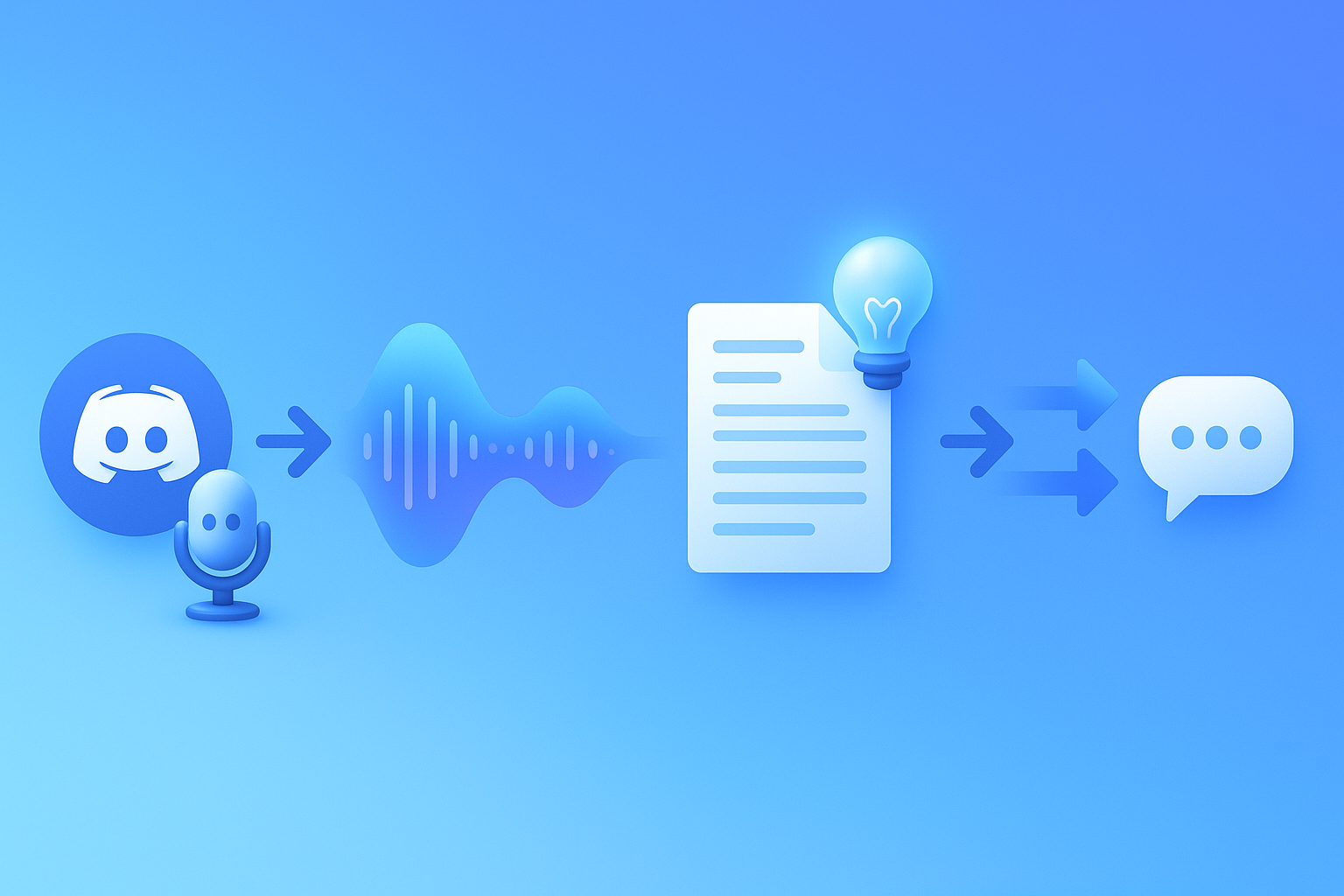
A complete workflow moves audio through four stages before it becomes actionable documentation:
Record the voice channel with a bot or local tool.
Transcribe the audio using an engine that supports speaker diarization.
Summarize the transcript with an AI that extracts decisions and action items.
Share notes automatically to Slack, Discord text channels, or project tools.
You can export a single mixed audio file for easy transcription, or multi-track audio if you need better speaker separation. Fireflies explains that its Discord integration automatically posts meeting summaries, recordings, and action items directly into designated channels.
AI note-taking delivers better information retention by capturing details humans miss while juggling the conversation.
How Do You Record Discord Audio Reliably?
Discord lacks a native "record call" feature for most users. You typically record with OBS, OS tools, or a bot if the server allows it, as GoTranscript explains: "Discord doesn't include a built-in 'record call' feature for most users."
The simplest option is a dedicated recording bot. Craig, the popular multi-track bot, lets you start recording with the /join command. Each speaker lands on a separate audio track, which simplifies editing and speaker attribution later.
Craig supports sessions up to 6 hours with no speaker limits, and recordings remain available for seven days. For teams who want redundancy, Craig's maintainers suggest inviting its backup instance, Giarc, so you record from two servers simultaneously.
Bot vs Local Capture: Craig, OBS or Self-Hosted?
| Method | Pros | Cons |
|---|---|---|
| Craig Bot | Multi-track, free, no setup beyond invite | 6-hour cap, audio only, 7-day download window |
| OBS Studio | Full control, video + audio, works offline | Manual start/stop, single mixed track by default |
| Self-Hosted Bot | Complete ownership, can add transcription hooks | Requires development, hosting, and maintenance |
Craig has recorded more than 270 years of audio in 2.8 million recordings since November 2017. For teams with stricter privacy needs, open-source options like Meetily offer 100% local processing with no cloud required.
A self-hosted Discord.js template can automatically record multiple users into separate .opus files, though the repository was archived in 2024 and is no longer maintained.
Key takeaway: Pick Craig for zero-setup simplicity, OBS for video capture, or self-hosted bots when you need full data control.
How Do You Transcribe & Attribute Speakers Accurately?
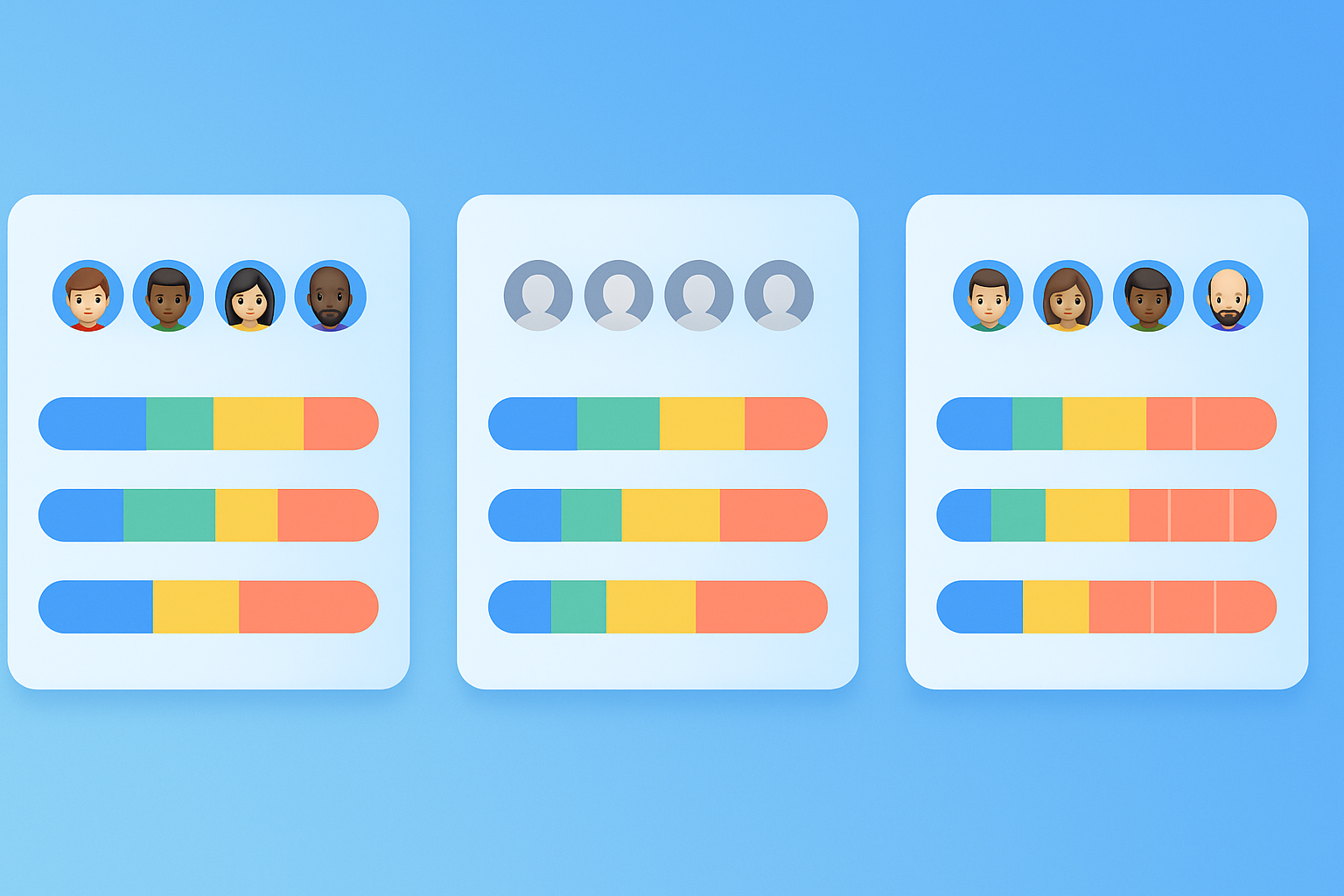
Raw audio becomes useful only when converted to searchable, speaker-labeled text. Diarization is how a transcript gets speaker attribution, determining which words belong to which participant.
Recall.ai documents three diarization modes:
Speaker Timeline Diarization uses platform events to assign text to participants.
Machine Diarization relies on the transcription provider to separate voices, though it yields generic labels like "Speaker 1."
Hybrid Diarization combines both approaches for the best accuracy.
SDBench, an open-source benchmark suite, evaluated multiple systems and found that SpeakerKit achieves a 9.6x speedup while maintaining comparable error rates. Accuracy matters because, as MeetMind reports, transcription precision ranges from 85-95% depending on audio quality.
Multilingual Support for Global Teams
Distributed teams often span time zones and languages. Modern transcription engines handle this well:
VideoTranslatorAI supports 120+ languages and dialects.
NotesBot covers 100+ languages with speaker tracking.
MeetMind provides support for 30+ languages including European, Middle Eastern, and Asian options.
Teams with multilingual standups can run meetings where everyone speaks their native language while still producing a unified English transcript.
How Do You Turn Raw Text into Actionable Summaries?
Transcripts alone can run thousands of words. AI summarization condenses them into decisions, blockers, and next steps.
Notion describes the process: "AI note-takers can serve as more than just a note summarizer. Many tools use the notes to generate additional content at the click of a button, like social media and blog posts as well as email drafts."
MeetMind offers an AI-powered Q&A feature that lets users ask questions about meeting content in natural language. DiscMeet takes a similar approach, automatically generating detailed technical documentation from development discussions.
For developer teams, the benefits extend beyond summaries. DiscMeet's AI is specifically trained on technical terminology and achieves 95%+ accuracy for technical discussions, ensuring that code review feedback and architecture decisions survive the transcription process intact.
How Can You Automate Distribution to Channels & Apps?
Once notes exist, they need to reach the right people. Zapier connects Discord to transcription and note-taking services with no code required. The platform is used by 87% of Forbes Cloud 100 companies, and the average user sets up a workflow in under six minutes.
Fireflies offers a dedicated Slack integration that sends automated meeting notes, including audio recordings and transcripts, to designated channels. Users can get alerts when keywords are mentioned on calls, surfacing critical topics without manual review.
Common distribution targets:
Slack or Discord text channels for immediate team visibility
Notion or Google Docs for long-term knowledge bases
Jira or Linear for automatic action-item creation
Filtering Rules So Only Important Meetings Flow Through
Integration rules allow you to filter which meetings send data, so only the important ones make it into your Discord channel or project tool. Fireflies supports similar filtering, letting teams automatically send meeting notes and deal information to work apps without flooding channels with low-priority updates.
Typical filter criteria:
Meeting duration (exclude sub-five-minute calls)
Participant count (skip 1:1s if desired)
Channel name (route standup notes to #engineering, sales calls to #revenue)
What Are Privacy, Compliance & Consent Requirements on Discord?
Recording voice channels raises legal and ethical questions. Discord's privacy policy emphasizes that the platform does not sell personal information and funds its business through subscriptions and paid products, not data monetization.
However, third-party bots operate under their own policies. Craig's maintainers state plainly: "Craig is not a business. We're not interested in your data." The bot records audio and user identifiers to label tracks but does not access real names or financial information unless users volunteer it.
DiscMeet follows stricter data hygiene: "Audio files are deleted immediately after transcription," and the service does not sell, share, or use data for advertising or model training.
Best practices for compliant recording:
Obtain explicit consent before starting any recording. DiscMeet notes that "it is the responsibility of the Discord server owner to obtain consent from all participants."
Announce the bot's presence so participants know the session is being captured.
Limit retention by deleting raw audio after transcription completes.
Restrict access to transcripts using role-based permissions.
Why Harmony Is the Fastest Discord-First Notetaker
Harmony bundles every stage of the workflow into a single Discord bot. You can easily build audio and video capabilities into AI-powered workflows using Harmony's APIs, SDKs, and infrastructure.
Setup takes under two minutes:
Invite the bot to your server.
Run
/recordin any voice channel to start capturing.Run
/stopto end the session and trigger AI analysis.
Harmony delivers better information retention by producing summaries, action items, and searchable transcripts without requiring separate tools for recording, transcription, and summarization.
For teams already using Zapier, Harmony outputs integrate with the same automation layer that powers Fireflies and other meeting tools, letting you post final meeting notes into specific text channels or push action items to project management apps.
Key Takeaways
AI meeting notes transform ephemeral Discord voice chats into durable, searchable documentation. The four-step workflow covers:
Recording via bot (Craig, Harmony) or local tools (OBS)
Transcribing with speaker diarization for accurate attribution
Summarizing decisions and action items with AI
Distributing notes to Slack, Discord, or project tools via Zapier
Harmony's Discord-first design lets you export single or multi-track audio, generate AI summaries, and share results automatically. For remote teams that rely on Discord for daily standups, sprint planning, or community calls, the workflow turns every conversation into a knowledge asset.
Frequently Asked Questions
Why do remote teams on Discord need AI meeting notes?
Remote teams on Discord need AI meeting notes to capture critical discussions, decisions, and action items that occur in voice channels. Without these notes, teams risk losing valuable information and duplicating efforts, as informal conversations often lack a paper trail.
What are the steps in the AI meeting notes workflow for Discord?
The AI meeting notes workflow for Discord involves four steps: recording the voice channel, transcribing the audio with speaker attribution, summarizing the transcript to extract key decisions and action items, and sharing the notes to relevant platforms like Slack or project management tools.
How can you record Discord audio reliably?
Discord audio can be recorded using tools like the Craig bot, which offers multi-track recording, or OBS Studio for video and audio capture. Craig is popular for its ease of use, allowing users to start recording with a simple command and providing separate audio tracks for each speaker.
What are the privacy and compliance considerations for recording Discord calls?
When recording Discord calls, it's important to obtain explicit consent from participants, announce the recording bot's presence, limit retention by deleting raw audio after transcription, and restrict access to transcripts using role-based permissions to ensure privacy and compliance.
How does Harmony enhance the AI meeting notes process for Discord?
Harmony enhances the AI meeting notes process by integrating recording, transcription, and summarization into a single Discord bot. It simplifies setup and automates the workflow, allowing teams to quickly capture and analyze meetings, and distribute notes through platforms like Zapier.
Sources
- https://craig.chat/
- https://github.com/OmarAshry1/MeetMind
- https://time.com/charter/6987522/the-best-ai-note-taking-tools-for-meetings/
- https://hedabot.com/
- https://gotranscript.com/blog/how-to-transcribe-discord-calls
- https://guide.fireflies.ai/articles/6339358734-how-to-integrate-discord-with-fireflies
- https://www.notion.com/blog/ai-note-taking
- https://riverside.fm/blog/craig-bot-review
- https://github.com/qaid/meeting-minutes-autodetect
- https://github.com/ndcrd/discordjs-voice-recorder
- https://docs.recall.ai/docs/diarization
- https://www.isca-archive.org/interspeech_2025/durmus25_interspeech.pdf
- https://docs.videotranslator.ai/docs/product-guides/speech-translation/video-call-mode-guide/1-multilingual-video-call
- https://notesbot.io/
- https://discmeet.com/discord-developer-meetings
- https://zapier.com/apps/discord/integrations/transcribecom
- https://fireflies.ai/product/slack-integration
- https://fireflies.ai/integrations
- https://discord.com/privacy
- https://craig.chat/privacy/
- https://discmeet.com/privacy
- https://ai-harmony.io/ai