
AI notetaker for Discord vs Zoom transcription tools
Discover the differences between AI notetakers for Discord and Zoom transcription tools, focusing on platform fit, accuracy, and privacy.
AI Notetaker for Discord vs Zoom Transcription Tools
Discord-first AI notetakers like Harmony eliminate platform friction for teams already using Discord voice channels, offering instant /record commands and multi-speaker support without calendar integrations. While Zoom achieves 7.40% word error rates in benchmarks, real-world accuracy drops below 80% with background noise and crosstalk—conditions common in Discord's always-on channels.
At a Glance
• Discord-native bots start recording in 2 minutes with simple slash commands, while Zoom-adapted tools require calendar sync and host permissions
• Top AI engines reach 95-98% accuracy on clean audio but drop significantly with noise, accents, or overlapping speakers
• Harmony supports 57+ languages compared to Otter.ai's English focus, though Fireflies leads with 100+ languages
• Discord's Opus codec provides low-latency audio suitable for transcription, matching teams' existing communication infrastructure
• Free plans offer 60-300 minutes monthly, with pro tiers at $10-17 per user for 600-1200 minutes
• Native Discord integration eliminates the need to switch platforms just for meeting transcription
An AI notetaker for Discord and traditional Zoom transcription tools solve the same problem: capturing meetings. But the platform you meet on fundamentally changes accuracy, workflow, and privacy. This comparison matters most for teams that never open a Zoom link and live entirely inside Discord voice channels.
Why Does the Platform You Meet On Matter?
Zoom-centric tools were built for scheduled video calls with calendar integrations and waiting rooms. Discord-first tools like Harmony were designed for always-on voice channels where teams drop in, collaborate, and leave without formal invites.
The platform difference shows up in three ways:
- Workflow fit. Zoom tools assume you have a calendar event. Discord tools assume you have a server and a
/recordcommand. - Accuracy context. Zoom achieved the best word error rates in TestDevLab benchmarks, but those tests used meeting conditions optimized for Zoom. Real-world accuracy depends heavily on your audio environment.
- Privacy expectations. "AI transcription tools often advertise '95–98% accuracy.' But what happens when your recordings include background noise, strong accents, technical vocabulary, or multiple people talking at once?" (GoTranscript). The answer varies by platform.
Teams already communicating on Discord gain nothing from forcing Zoom into their stack just for transcription. Native integration matters.
Is a Native Discord Bot Experience Really Smoother?
Zoom-adapted bots like Fireflies join meetings as a visible participant. They detect Zoom links in calendar invites, request host permission, and notify participants when recording. This works well for scheduled calls but adds friction for spontaneous Discord conversations.
Harmony takes a different approach. You invite the bot once, type /record to start, and /stop to finish. The bot joins your current voice channel instantly with automated recording and joining built for Discord's always-on model.
The friction gap widens when you consider multi-platform users. Over 50% of users use multiple video conferencing tools, which means Zoom-first solutions often require separate workflows for each platform. Discord-native tools eliminate that overhead for teams already centralized on Discord.
Key takeaway: If your team lives in Discord, a native bot removes the calendar-sync tax that Zoom-adapted tools impose.
How Do Accuracy and Latency Compare—Zoom AI vs. Harmony?
Word Error Rate (WER) is the standard accuracy metric. Lower is better.
Zoom's native AI leads major platforms:
| Platform | WER |
|---|---|
| Zoom | 7.40% |
| Webex | 10.16% |
| Microsoft Teams | 11.54% |
— Zoom AI Performance Report 2024
These numbers come from controlled meeting scenarios. On real-world audio, accuracy often drops sharply, sometimes below 80% when noise, accents, or crosstalk appear.
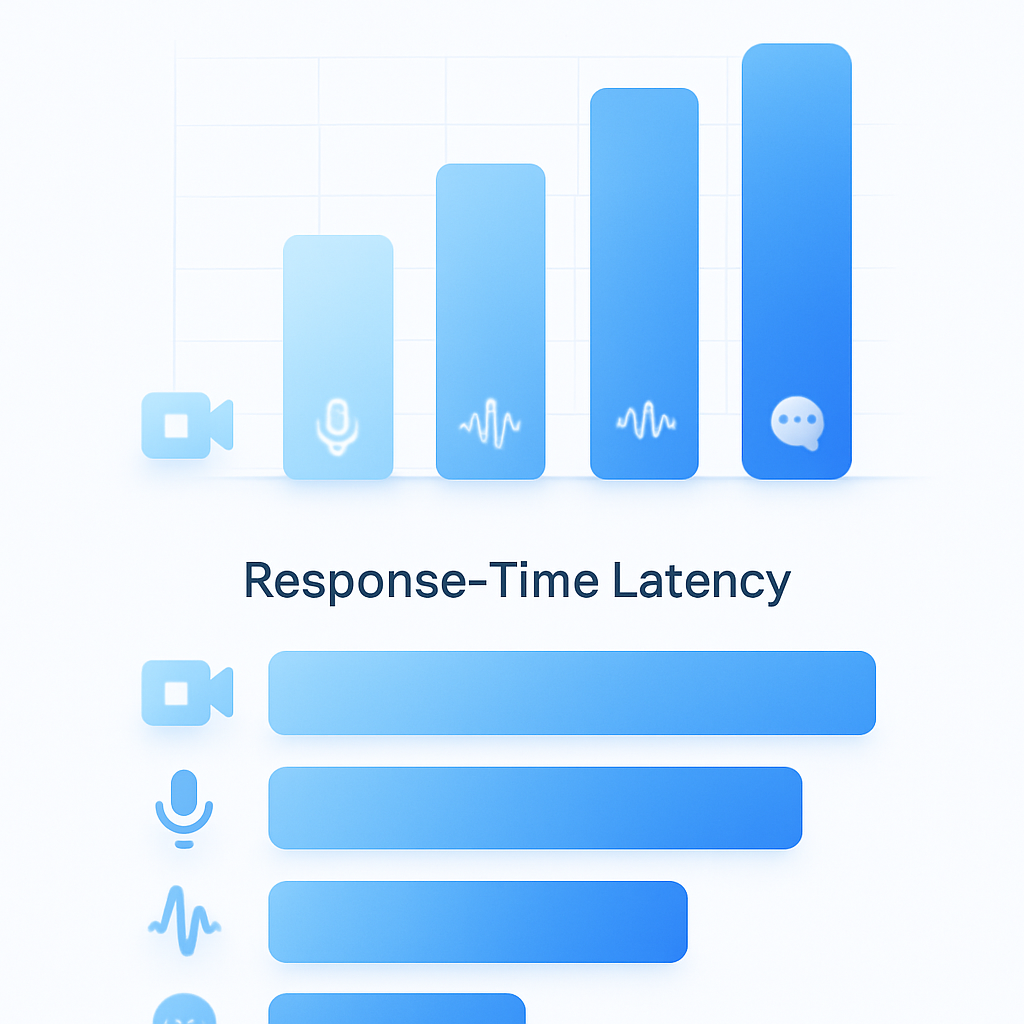
Latency matters for real-time feedback. Zoom demonstrates the fastest response time at 4716.1 ms average delay, compared to Webex at 5327.9 ms and Microsoft Teams at 9269.9 ms.
Harmony's accuracy depends on the underlying transcription engine and Discord's audio quality. Discord uses the Opus codec, which supports low latency and high fidelity, but accuracy varies with microphone quality and background noise.
Key takeaway: Zoom wins on raw benchmark numbers, but your real-world results depend on audio conditions more than platform choice.
Which Tool Wins on Language Coverage and Speaker Diarization?
Language support determines whether global teams can use a tool effectively.
| Tool | Languages Supported |
|---|---|
| Harmony | 57+ languages |
| Fireflies | 100+ languages |
| Otter.ai | Live captions for Zoom and Google Meet, primarily English-focused |
| Zoom | Multiple languages with leading translation quality |
Zoom led in translation quality for English-to-French, English-to-Spanish, and English-to-Japanese closed captions. Fireflies claims the broadest language coverage, while Harmony covers the most common enterprise languages.
Why 'Who Spoke When' Still Trips Up Many Bots
Speaker diarization identifies who said what. Errors here propagate to summaries and action items, making transcripts confusing.
Recent benchmarks show the challenge:
- PyannoteAI achieves the best performance at 11.2% DER (Diarization Error Rate)
- DiariZen offers a competitive open-source alternative at 13.3% DER
- Missed speech constitutes the dominant failure case across all models, especially in meeting scenarios
Optimized systems like SpeakerKit demonstrate a 9.6x speedup while achieving comparable DER, showing that speed and accuracy can coexist.
Harmony provides speaker analytics and multi-channel support, which helps attribute speech to participants in Discord's voice channels.
Privacy, Security & GDPR: Where Is Your Audio Really Stored?
Data residency matters for regulated industries and EU-based teams.
Discord's privacy policy states: "We don't sell your personal information. Our business is funded through subscriptions, paid products, and sponsored content."
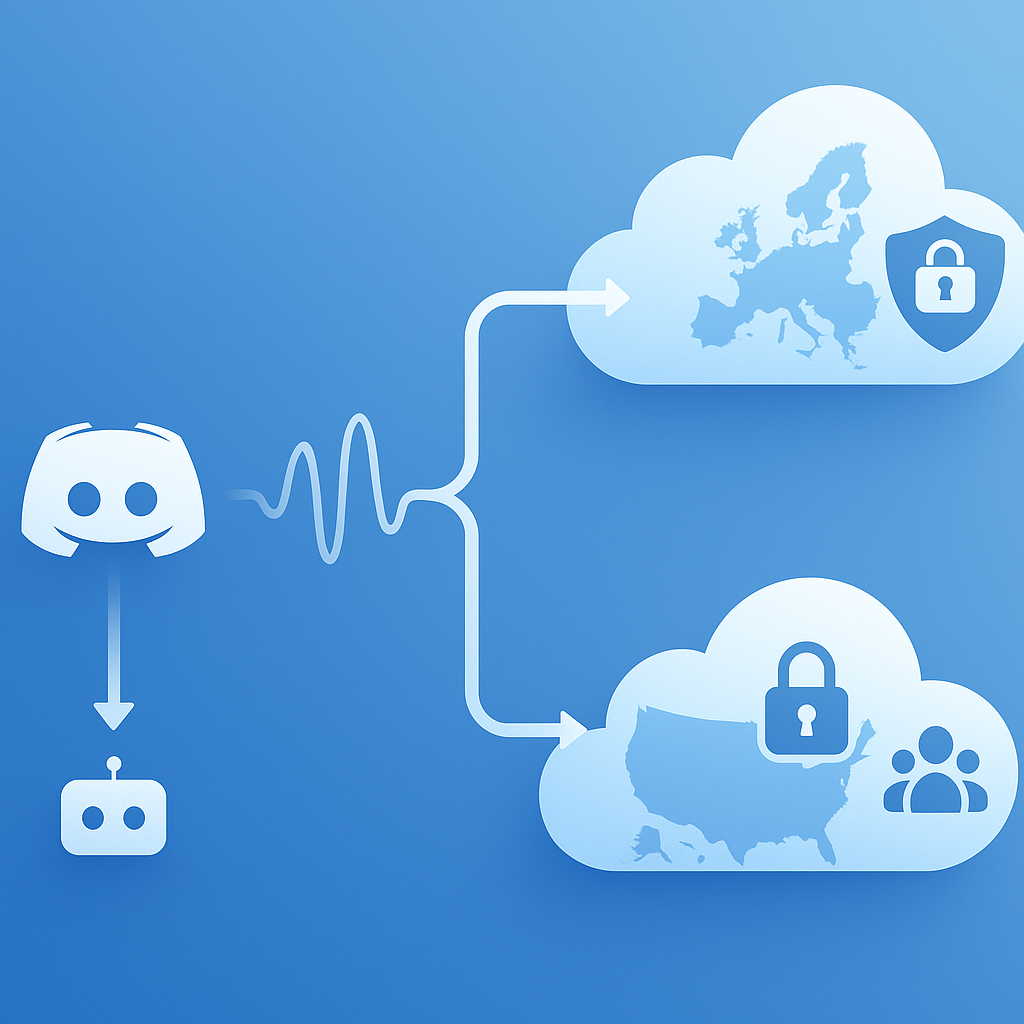
Fireflies processes data primarily on U.S. servers. The U.S. is not considered a fully safe third country under EU law per Schrems II. Fireflies offers EU data hosting under enterprise plans, but this isn't standard for all users.
For GDPR compliance, the EU-U.S. Data Privacy Framework provides a self-certification mechanism. The European Commission considered that transfers to certified U.S. companies enjoy adequate protection.
Fireflies maintains strict data handling: "Your meeting content—including audio, video, transcripts, and summaries—is never used to train any AI models." They enforce a Zero Data Retention policy with third-party vendors.
Harmony operates as a Discord bot, meaning audio processing happens within the Discord ecosystem. Teams should verify data handling policies for any third-party bot they add to their servers.
Key takeaway: Check data residency and DPF certification before deploying any transcription tool in regulated environments.
What Do Cost & Onboarding Look Like From 'Add Bot' to First Transcript?
Setup speed and pricing structure differ significantly.
Harmony:
- Free plan: 60 minutes of transcription, AI summaries, unlimited servers
- Pro plan: $10/seat with 600 minutes per seat
- Setup: Start in 2 minutes by adding the bot and typing
/record
Otter.ai:
- Basic: Free with 300 monthly minutes
- Pro: $16.99/month for 1,200 minutes
- Business: $240 per user per year
Fireflies.ai:
- Pro: $10 per month per user
- Rated 9.4/10 on TrustRadius
Harmony's Discord-native onboarding eliminates the calendar integration step that Zoom tools require. You add the bot, join a voice channel, and record. No OAuth flows, no calendar permissions, no waiting room bypasses.
Real-World Use Cases: Stand-Ups, Sales Calls & Community Town-Halls
Different scenarios favor different tools.
Stand-ups and internal syncs:
Discord-first teams benefit most from native bots. "We switched from Zoom to Discord for standups. Only thing missing was transcription. Problem solved." — Harmony user testimonial
Sales calls:
Zoom-native tools like Zoom Revenue Accelerator excel here. Otter.ai provides real-time transcription where "you literally can see the transcription being written as you speak."
Community town-halls:
Large Discord communities need tools that handle many speakers without formal host permissions. "I run a 25k+ member gaming community. Before Harmony I'd forget half of what we discussed in officer meetings. Now it's all there." — Harmony user
Accessibility needs:
Automated capture helps users who struggle with manual note-taking. "I have ADHD and cannot take notes while also trying to contribute to the conversation. Harmony means I can actually be present and still have everything captured." — Harmony user
Choosing the Right Path for 2026 and Beyond
The choice between Discord-first and Zoom-adapted tools comes down to where your team already communicates.
If your meetings happen on Zoom, Google Meet, or Microsoft Teams, established tools like Otter.ai and Fireflies offer deep integrations and proven accuracy. Zoom's native AI leads benchmarks with 7.40% WER and the fastest response times.
If your team runs on Discord, Harmony eliminates the platform mismatch. With 57+ language support, two-minute setup, and speaker analytics built for voice channels, it fills the gap that Zoom-adapted tools leave open.
Harmony is trusted by 6,000 users who made the same calculation: native design beats adapted workarounds for teams that never leave Discord.
Frequently Asked Questions
What are the main differences between Discord and Zoom transcription tools?
Discord transcription tools like Harmony are designed for always-on voice channels, while Zoom tools are built for scheduled video calls. This affects workflow, accuracy, and privacy, with Discord tools offering a more seamless experience for teams already using Discord.
How does Harmony's native Discord integration benefit users?
Harmony's native integration allows users to start recording with simple commands like '/record' and '/stop', eliminating the need for calendar syncs and reducing friction for spontaneous conversations. This is particularly beneficial for teams that primarily use Discord for communication.
How does the accuracy of Harmony compare to Zoom's transcription tools?
Zoom's transcription tools generally lead in benchmark accuracy with a lower Word Error Rate (WER). However, real-world accuracy for both platforms depends heavily on audio conditions, such as background noise and microphone quality, rather than the platform itself.
What language support does Harmony offer compared to other transcription tools?
Harmony supports over 57 languages, making it suitable for global teams. While Fireflies offers broader language coverage, Harmony focuses on the most common enterprise languages, providing a balance between coverage and usability for Discord users.
How does Harmony ensure data privacy and security?
Harmony operates within the Discord ecosystem, which means audio processing is handled by Discord. Users should verify data handling policies for any third-party bot. Harmony's setup is designed to comply with privacy standards, but teams should check data residency and GDPR compliance for their specific needs.
Sources
- https://zoom.com/en/resources/ai-performance-report
- https://gotranscript.com/blog/ai-transcription-accuracy-benchmarks-2026
- https://www.zoom.com/en/resources/ai-quality-report-2025/
- https://guide.fireflies.ai/hc/en-us/articles/360020107257-Learn-about-the-Fireflies-and-Zoom-integration
- https://harmonynotetaker.ai/
- https://www.read.ai/slack
- https://fireflies.ai/
- https://otter.ai/features
- https://arxiv.org/pdf/2509.26177
- https://www.isca-archive.org/interspeech_2025/durmus25_interspeech.pdf
- https://discord.com/privacy
- https://www.sally.de/en/blog/fireflies-gdpr-and-data-security
- https://commission.europa.eu/law/law-topic/data-protection/international-dimension-data-protection/eu-us-data-transfers_en
- https://guide.fireflies.ai/articles/2154538358-policy-on-keeping-information-safe
- https://www.g2.com/compare/gong-vs-otter-ai
- https://www.trustradius.com/compare-products/fireflies-ai-vs-zoom-revenue-accelerator