
AI notetaker for Discord with multilingual support
Discover Harmony's AI notetaker for Discord, supporting 57+ languages for seamless multilingual transcription and summarization.
AI notetaker for Discord with multilingual support
Harmony AI notetaker for Discord supports 57+ languages for transcription and summarization, far exceeding alternatives like Otter.ai which only covers three languages. This comprehensive multilingual capability ensures global teams can capture every participant's contribution regardless of their native language, with 2-minute setup and automatic speaker analytics included.
At a Glance
• Harmony supports 57+ languages compared to Otter.ai's 3-language limitation (English, Spanish, French)
• Quick setup takes just 2 minutes with simple /record and /stop commands
• Free plan includes 60 minutes of transcription with AI summaries and unlimited servers
• Speaker analytics track participation patterns and identify who spoke when
• Discord-native integration eliminates need for workarounds or external tools
• Trusted by 6,000 users for daily team communications and gaming community meetings
Global teams that meet on Discord lose ideas in translation. An AI notetaker for Discord that transcribes and summarizes in 57+ languages closes that gap and outperforms tools stuck at three.
Why Discord teams need a truly multilingual AI notetaker
Discord has evolved far beyond gaming. Product teams run standups there, communities host office hours, and distributed engineering squads hash out roadmaps in voice channels. Yet much of what gets said vanishes the moment a call ends.
The pain is real. According to The Verge, Discord's SVP of product Peter Sellis acknowledges the challenge: "There's an incredible opportunity now with large language models to summarize conversations." The platform itself recognizes that knowledge shared in voice channels often disappears.
The stakes grow higher for multilingual groups. Research shows the average knowledge worker spends 21.5 hours per week in meetings. When participants speak different native languages, notes taken manually become patchy, inconsistent, or missing entirely.
An AI notetaker built for Discord can record, transcribe, and summarize calls automatically. The real differentiator, however, is language coverage. A tool limited to English, Spanish, and French leaves out colleagues in Tokyo, Berlin, or São Paulo. Broad multilingual support means every participant's contribution ends up in a searchable, shareable record.

How does Harmony's 57-language coverage compare to the 3-language status quo?
Harmony supports 57+ languages for transcription and summarization. That list spans major European and Asian dialects, enabling teams across continents to capture calls in their native tongue.
Contrast that with mainstream alternatives. Otter.ai supports only three languages: English, Spanish, and French. For a team with members in Japan or Poland, that limitation forces awkward workarounds or manual translation.
Other Discord-focused bots claim higher counts. NotesBot advertises 100+ languages, though accuracy tiers vary. Harmony's 57+ strikes a balance between breadth and reliability, ensuring the languages most global teams need are covered with consistent quality.
Key takeaway: Language count alone does not guarantee quality, but a ceiling of three languages guarantees exclusion.
Why more languages mean fewer blind spots in meetings
Advances in automatic speech recognition make wide coverage feasible without sacrificing accuracy. OpenAI's Whisper, for example, was trained on 680,000 hours of multilingual data, improving recognition of unique accents, background noise, and technical jargon.
Meta's SeamlessM4T model can transcribe and translate close to 100 languages across text and speech. These foundational models power the next generation of notetakers, making it possible to serve global communities without building separate engines per language.
Market demand backs this up. The Slator 2025 report values the global language solutions market at USD 31.70 billion. Meanwhile, research shows that 75% of international shoppers prefer to buy in their native language, a signal that extends to internal collaboration as well.
The technology exists. The question is whether your chosen tool deploys it.
| Accuracy tier | Example languages | Typical WER |
|---|---|---|
| High | English, Spanish, French, German, Japanese | ≤10% |
| Moderate | Hindi, Russian, Portuguese | 15–20% |
| Fair | Regional dialects, low-resource languages | 25%+ |
WER = Word Error Rate, the percentage of words transcribed incorrectly.
How popular alternatives fall short for global Discord servers
Not every AI notetaker integrates natively with Discord. Many were designed for Zoom or Google Meet and shoehorned into other platforms. The result is friction for communities that live on Discord.
MeetGeek supports 50+ languages and works across major video conferencing platforms. It does not, however, offer a Discord bot. Teams would need to pipe audio through workarounds, adding latency and complexity.
Fireflies.ai boasts 90%+ transcription accuracy and supports over 100 languages, yet its multi-language mode within a single meeting is limited to ten languages. The bot also joins calls as a visible participant, which can feel intrusive in casual Discord hangouts.
Otter.ai: only 3 languages, visible bot, higher cost
Otter.ai established itself early in AI transcription with strong accuracy and broad integrations for Zoom, Teams, and Meet. On Discord, however, it falls short.
First, Otter.ai supports only three languages: English, Spanish, and French. A bilingual standup with a German-speaking engineer leaves that participant unserved.
Second, Otter provides a mix of device-based recording and a meeting assistant that joins calls as a visible participant. In Discord, that bot presence can disrupt the informal vibe communities cultivate.
Finally, Otter's free plan caps transcription at 300 minutes per month. For teams running daily standups, that quota disappears within the first two weeks.
NotesBot & others: high language counts but privacy trade-offs
NotesBot records, transcribes, and summarizes Discord calls in 100+ languages. It delivers transcripts and MP3 recordings directly to Discord, which is convenient. However, audio is deleted after processing by default, meaning teams cannot revisit raw recordings later if a transcript needs clarification.
Scriptly offers real-time voice transcription on Discord with text-to-speech features, but its focus is accessibility rather than full meeting intelligence. Premium plans start at $4.99 per month for individuals, with server-wide plans reaching $19.99.
A broader trend is emerging: "bot fatigue"—the frustration users feel when AI bots intrude on collaborative spaces. For Discord communities that value intimacy, a visible recorder can feel like an uninvited guest.
What setup and analytics unlock productivity for global Discord teams?
Speed of onboarding matters. Harmony advertises a 2-minute setup: invite the bot, type /record to start, and /stop to end. Transcripts, AI summaries, and speaker analytics appear shortly after.
Speaker analytics help moderators understand participation patterns. Who dominated the conversation? Who stayed silent? These insights inform better meeting hygiene without requiring a facilitator to take manual notes.
Building speaker diarization from scratch can take months. Services like Recall.ai promise to get teams live in hours with perfect speaker labels, even during overlapping speech. Harmony bundles similar capabilities natively for Discord.
Key takeaway: Fast setup and built-in analytics reduce friction, letting teams focus on the conversation rather than the tooling.
Bot fatigue vs. productivity: finding the right recording model
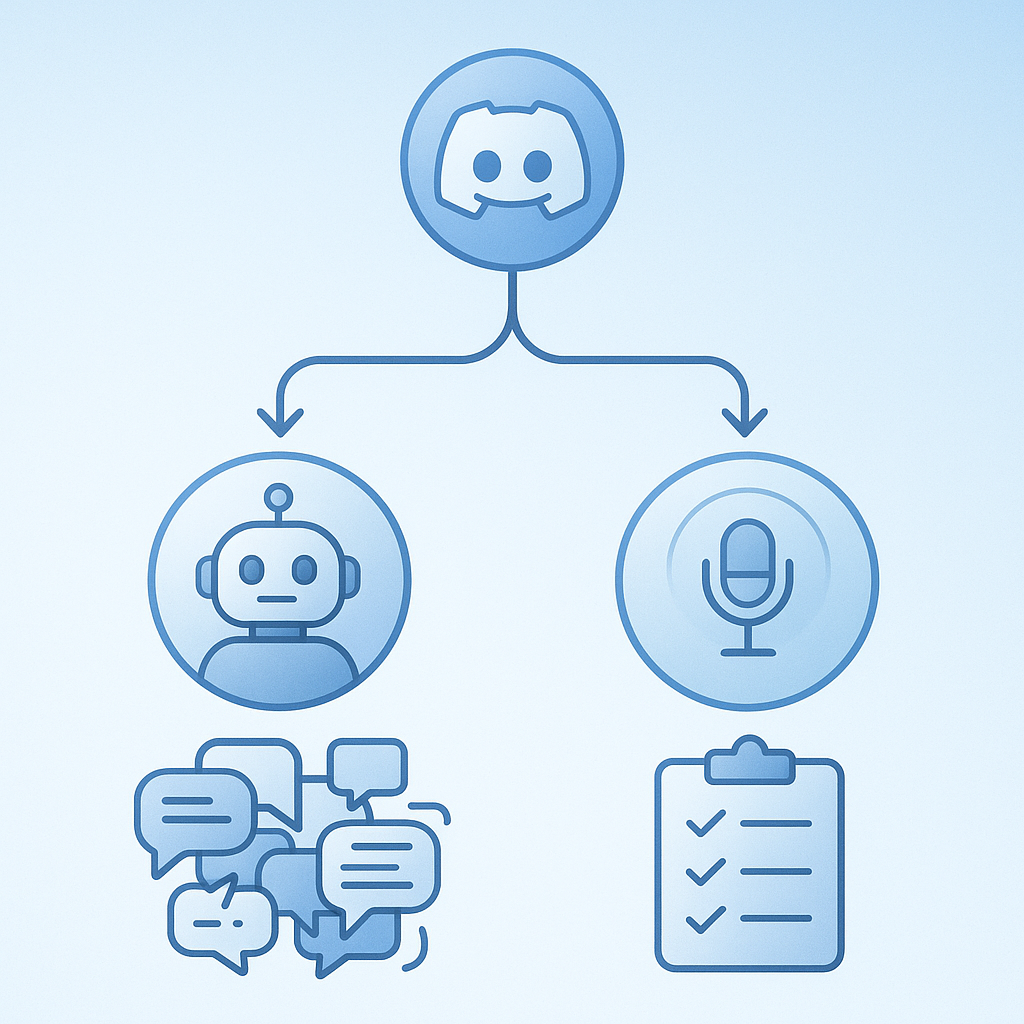
AI meeting recorders come in two types. Bot-based tools join calls as visible participants, recording audio directly from the platform. Bot-free tools capture audio locally from the user's device.
"The initial excitement around AI notetakers has given way to a widespread phenomenon known as 'bot fatigue,'" notes one industry analysis. Visible bots can feel intrusive, especially in casual Discord voice channels where the atmosphere is conversational.
Bot-free solutions address this by making technology invisible. However, they often require each participant to install software, which adds friction for large communities.
Harmony takes a Discord-native approach. The bot is transparent—users see it join the channel—but the experience is lightweight. As one user put it: "Most of our team comms are on Discord and we always needed an AI note taker. Game-changer for our team and we use Harmony everyday!"
Consent remains essential. Before recording any meeting, obtain consent from all participants. Discord's visible bot model makes disclosure straightforward: everyone sees when recording starts.
Checklist: evaluate an AI Discord notetaker for global reach
Use the criteria below when comparing tools.
| Criterion | Questions to ask |
|---|---|
| Language coverage | How many languages are supported? Are your team's languages included at high accuracy? |
| Accuracy metrics | What is the Word Error Rate (WER) or Character Error Rate (CER) for key languages? |
| Speaker analytics | Does the tool identify who spoke when? Can it handle overlapping speech? |
| Cost structure | Is pricing per seat, per minute, or per server? Does it fit your usage pattern? |
| Privacy & consent | How is audio stored? Is it deleted after processing? How do you notify participants? |
| Discord integration | Is there a native bot, or do you need workarounds? |
On privacy, remember that consent must be specific and informed. Under GDPR, consent requires a positive opt-in; pre-ticked boxes do not count.
Gartner defines speech-to-text platforms as tools that produce transcripts, metadata, and workflow tools to support downstream work. Evaluate whether your chosen notetaker integrates with project management or CRM systems your team already uses.
Finally, Fireflies AI offers 90%+ transcription accuracy. If accuracy is paramount, test multiple options on recordings that reflect your team's accents and jargon before committing.
Start capturing every insight - no matter the language
Global teams deserve tools that keep pace with their diversity. An AI notetaker for Discord that supports 57+ languages ensures no participant's contribution gets lost in translation.
Harmony offers a free plan with 60 minutes of transcription, AI summaries, unlimited transcript history, and unlimited servers. For teams that need more, the Pro plan at $10 per seat delivers 600 minutes and 1:1 priority support.
Invite the Harmony bot, run /record, and see what your next meeting captures.
Frequently Asked Questions
What languages does Harmony's AI notetaker support?
Harmony's AI notetaker supports over 57 languages, covering major European and Asian dialects, ensuring comprehensive transcription and summarization for global teams.
How does Harmony compare to other AI notetakers in terms of language support?
While many AI notetakers like Otter.ai support only three languages, Harmony offers support for 57+ languages, providing broader coverage for international teams.
What are the benefits of using Harmony's AI notetaker for Discord?
Harmony's AI notetaker offers multilingual transcription, AI summaries, and speaker analytics, making it ideal for global teams using Discord for meetings.
How does Harmony address the issue of 'bot fatigue'?
Harmony's bot is designed to be lightweight and transparent, joining Discord channels visibly but without disrupting the informal atmosphere of conversations.
What is the setup process for Harmony's AI notetaker on Discord?
Setting up Harmony's AI notetaker is quick and easy. Simply invite the bot to your Discord server, use the '/record' command to start, and '/stop' to end recordings.
What privacy measures does Harmony implement for its AI notetaker?
Harmony ensures privacy by making the bot's presence visible during recordings, allowing for straightforward consent from all participants.
Sources
- https://harmonynotetaker.ai/
- https://www.theverge.com/apps/673208/discord-ai-forums-anniversary-gamechat
- https://www.assemblyai.com/blog/top-ai-notetakers
- https://www.jamy.ai/en/content/comparison-notetaker-otter-vs-tactiq-which-offers-more-accuracy-in-transcriptions
- https://notesbot.io/
- https://techcrunch.com/2023/03/01/openai-debuts-whisper-api-for-text-to-speech-transcription-and-translation/
- https://techcrunch.com/2023/08/22/meta-releases-an-ai-model-that-can-transcribe-and-translate-close-to-100-languages/
- https://slator.com/slator-2025-language-industry-market-report/
- https://slator.com/language-ai-enterprises-grow-globally-2025/
- https://thebusinessdive.com/fathom-alternatives
- https://www.jamy.ai/blog/comparison-notetaker-otter-vs-tactiq-which-offers-more-accuracy-in-transcriptions/
- https://meetingnotes.com/blog/bot-free-ai-note-takers-alternatives
- https://scriptly.xyz/
- https://radiantapp.com/blog/bot-vs-no-bot
- https://www.recall.ai/product/speaker-diarization-api
- https://affine.pro/blog/bot-vs-no-bot-ai-meeting-recorder-tips
- https://ico.org.uk/for-organisations/uk-gdpr-guidance-and-resources/lawful-basis/consent/
- https://ico.org.uk/for-organisations/uk-gdpr-guidance-and-resources/lawful-basis/consent/how-should-we-obtain-record-and-manage-consent/
- https://www.gartner.com/reviews/market/speech-to-text-solutions