
AI notetaker for Discord with speaker analytics: Harmony features
Discover Harmony's AI notetaker for Discord, offering speaker analytics and actionable insights to enhance meeting productivity.
AI notetaker for Discord with speaker analytics: Harmony features
Discord teams using AI notetakers can capture meetings with speaker-specific analytics, tracking who talks and for how long while automatically extracting action items. Most Discord bots offer basic transcription, but advanced solutions provide speaker tracking and action items along with talk-time metrics that reveal participation patterns and conversation dynamics.
At a Glance
• The average knowledge worker spends 21.5 hours weekly in meetings, yet most Discord conversations lack proper documentation
• Basic Discord bots like NotesBot and DiscMeet provide transcription starting at $3/month for 5 hours, but often miss speaker-level analytics
• Speaker diarization accuracy determines transcript quality, with leading bots achieving 95%+ accuracy for clear audio
• Privacy-conscious solutions delete audio after processing and never use customer data for AI training
• Advanced features include multi-channel capture for cleaner speaker separation, sentiment analysis, and conversational search across meeting history
Remote teams that meet on Discord lose hours hunting for decisions. An AI notetaker for Discord can capture every word, tag each speaker, and surface insights automatically—no more manual note-taking.
Why Discord meetings need an AI notetaker now
The average knowledge worker spends 21.5 hours per week in meetings, yet most of those conversations result in scattered notes, missed action items, and forgotten decisions. For executives, the picture is even bleaker: they log nearly 23 hours a week in virtual and in-person sessions.
Discord has become a hub for distributed engineering squads, gaming communities, and remote-first startups. But unlike Zoom or Google Meet, Discord lacked native transcription and summarization for years. Bots like NotesBot now fill the gap: "NotesBot records, transcribes, and summarizes Discord calls." —NotesBot
These tools promise to solve the productivity crisis by automatically transcribing meetings, identifying speakers, and extracting key insights. Still, most generic bots stop at basic transcription. They miss speaker-level analytics—the data that tells you who dominated the call, who stayed silent, and where sentiment shifted.
Key takeaway: Discord teams need an AI notetaker that goes beyond raw transcripts to deliver speaker-specific analytics and actionable summaries.
The hidden cost of manual notes and scattered decisions
Without automation, meetings drain more than time. A PwC study found that 35% of CEOs felt decision-making meetings were inefficient, and 40% felt the same about informational sessions. Manual note-taking forces participants to divide attention between listening and typing, which leads to incomplete records and missed commitments.
The downstream effects include:
- Forgotten action items: Tasks discussed verbally never make it into project boards.
- Conflicting recollections: Two attendees remember different outcomes.
- Repeated meetings: Teams rehash the same topics because no single source of truth exists.
Research from Slack's Workforce Lab shows that 81% of employees improve productivity with AI tools. AI notetakers promise to solve this by automatically transcribing meetings, identifying speakers, and extracting actionable insights.
Key takeaway: Manual note-taking costs more than convenience—it undermines decision quality and accountability.
Why do speaker analytics matter in Discord meetings?
Speaker analytics go beyond transcription by quantifying who talks, for how long, and in what tone. The Read AI assistant, for example, "joins your meetings as a participant giving all attendees a view of talk time, meeting timer and score."
This visibility matters for several reasons:
- Balanced participation: In-meeting talk-time displays encourage more inclusive conversations, ensuring quieter voices get airtime.
- Coaching opportunities: Leaders can review metrics to improve facilitation skills.
- Bias detection: Patterns in speaker dominance may reveal unconscious bias or meeting fatigue.
Diarization—automatically segmenting audio by speaker—is the engine behind these insights. According to Krisp's engineering blog, the main metrics for evaluating speaker diarization include Diarization Error Rate (DER), Speaker Error, False Alarm Speech, and Missed Speech.
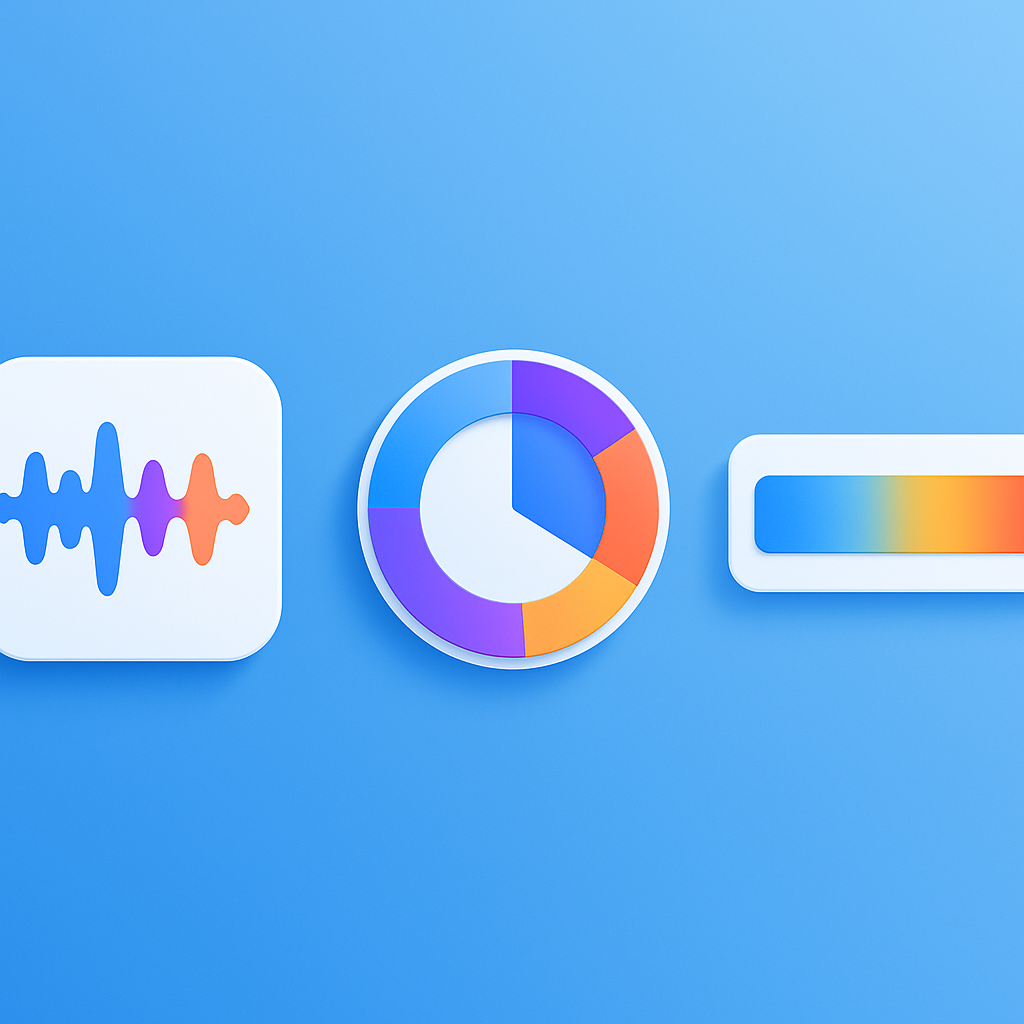
Key metrics: DER, talk-time balance, sentiment heat-maps
Understanding analytics vocabulary helps you evaluate any notetaker:
| Metric | Definition | Why It Matters |
|---|---|---|
| Diarization Error Rate (DER) | The most common metric for evaluating speaker diarization systems, measuring how often the system assigns speech to the wrong speaker or misses speech entirely (ISCA) | Lower DER means more reliable speaker labels |
| Speed Factor | Measures the speed of request completion for speaker diarization systems (ISCA) | Fast processing enables near-real-time feedback |
| Talk-Time Balance | Percentage of meeting time each participant speaks | Highlights dominance or disengagement |
| Sentiment Heat-Map | Visual representation of tone shifts (positive, neutral, negative) over time | Pinpoints contentious moments or enthusiasm spikes |
In-meeting talk-time encourages more balanced and inclusive conversations, helping facilitators nudge quieter participants in real time.
Inside Harmony: Discord-first capture, multi-channel transcription & analytics
Harmony is built specifically for Discord. Instead of bolting generic transcription onto a chat app, it integrates natively with voice channels, capturing separate audio streams for each participant.
Core capabilities include:
- Multi-channel transcription: Each speaker's audio is isolated, improving diarization accuracy and enabling per-person analytics.
- AI summaries and action items: Large-language-model intelligence distills hour-long calls into concise takeaways.
- AskHarmony search: A conversational interface lets you query past meetings in natural language.
- Multilingual support: Over 57 languages are supported, making Harmony suitable for global communities.
Advanced speech recognition is essential for quality transcripts. NoteCat, a competing Discord bot, touts "advanced speech recognition [that] captures every detail, handling multiple speakers, accents, and technical jargon with ease" (NoteCat). DiscMeet claims 95%+ accuracy for clear audio.
Privacy is another differentiator. Krisp, a leading voice-clarity provider, states: "At Krisp, we value privacy and keep the entire speech processing on-device, so no voice or audio is ever processed or stored in the cloud." —Krisp
Harmony follows a similar philosophy, ensuring audio is deleted after processing and giving server admins full control over data retention.
Quick start: /record, dashboard, AskHarmony search
Getting started takes under two minutes:
- Add the bot: Invite Harmony to your Discord server.
- Start recording: Type
/recordin any voice channel to begin capturing audio. - Stop and summarize: Type
/stopto end the session and trigger transcript processing. - Review in dashboard: Access transcripts, summaries, and speaker analytics in the Harmony web app.
- Query with AskHarmony: Ask natural-language questions like "What action items came out of Monday's standup?"
Compare this to NotesBot's flow: "/join Start recording your voice channel" and "/leave Stop & get AI summary" (NotesBot). The command patterns are similar, but Harmony adds AskHarmony conversational search and deeper analytics.
How does Harmony compare to other Discord notetaker bots?
Several bots compete for Discord meeting intelligence. Here is how they stack up:
- NotesBot: Offers AI-powered summaries with speaker tracking and action items, supports 100+ languages, and deletes audio after processing by default.
- DiscMeet: Automatically creates meeting notes with action items and decisions. Notes are posted in Discord threads for collaborative editing.
- Otter.ai (cross-platform): Peer reviews note that Otter identifies speakers correctly almost 90% of the time, though it is not Discord-native.
- Circleback (cross-platform): Time magazine called it the top in-meeting note-taking bot for its excellent summarization and speaker recognition.
Harmony differentiates with:
- Discord-first design: Native slash commands and voice-channel integration.
- Multi-channel capture: Separate streams per speaker for cleaner diarization.
- AskHarmony: Conversational search across all past meetings.
- Advanced analytics: Talk-time balance, sentiment cues, and participation trends.
Feature & pricing snapshot (hours, analytics depth, privacy)
| Bot | Free Tier | Paid Plans | Analytics Depth | Privacy Approach |
|---|---|---|---|---|
| Harmony | 60 min/month | $10/seat (600 min), custom Team plan | Speaker talk-time, sentiment, AskHarmony | Audio deleted post-processing |
| NotesBot | 30 min trial | $3/mo (5 hrs) – $40/mo (100 hrs) | Speaker tracking, action items | Audio deleted after processing |
| Circleback | Limited | $25/month individual | Speaker recognition, summaries | Varies |
Harmony's Pro plan at $10 per seat delivers 600 minutes of transcription, detailed AI summaries, and priority support—competitive for teams that need speaker-level insights without enterprise pricing.
What should you look for in a privacy-first AI notetaker?
Evaluating AI notetakers requires more than feature checklists. Consider these criteria:
- Data residency: Where are recordings processed and stored?
- Retention policies: How long does the vendor keep audio and transcripts?
- Training practices: Does the vendor use customer data to train AI models?
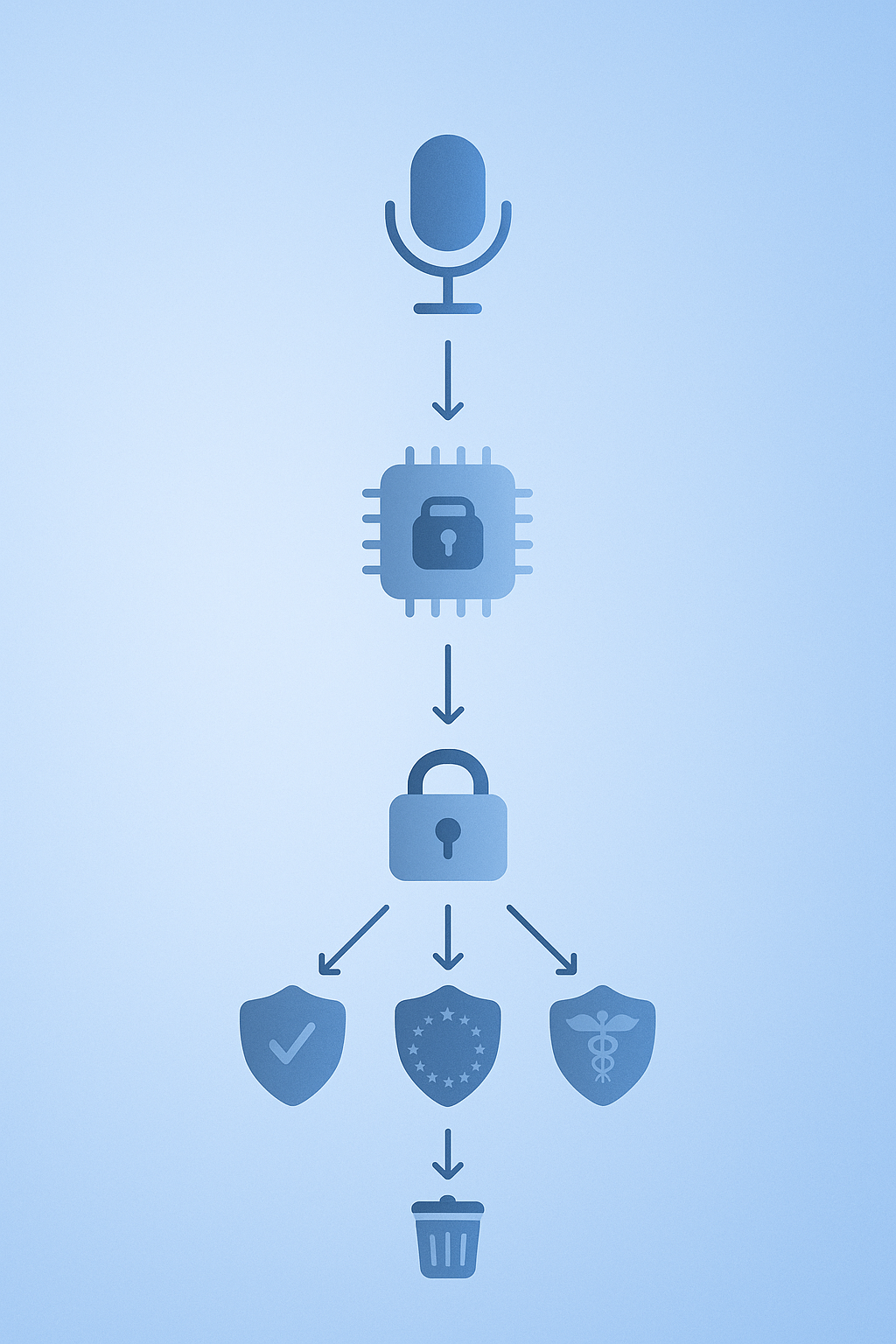
- Compliance certifications: Look for SOC 2, GDPR, or HIPAA where applicable.
AI tools can generate summaries and action points instantly, but they sometimes misinterpret or fabricate information—a problem known as AI hallucination. Balancing automation with human review ensures data accuracy.
Gartner's Market Guide for Conversational AI Solutions advises leaders to evaluate platforms on key considerations and vendor capabilities to align with organizational AI strategies.
Security & compliance questions to ask
Before deploying any notetaker, pose these questions to the vendor:
- Is audio processed on-device or in the cloud?
- Are transcripts encrypted at rest and in transit?
- Does the vendor hold SOC 2 Type II or equivalent certifications?
- Is customer data ever used to train models?
Parrot AI, for example, emphasizes that "customer data is never used to train our AI models" and maintains SOC 2 Type II, HIPAA, GDPR, and CCPA compliance. Harmony adopts a similar stance, deleting audio after processing and offering admin controls for data retention.
Krisp underscores the value of on-device processing: "At Krisp, we value privacy and keep the entire speech processing on-device, so no voice or audio is ever processed or stored in the cloud." —Krisp
Turn every Discord call into searchable insight with Harmony
The best AI notetakers in 2026 go beyond basic transcription. They distinguish between speakers, capture accurate technical terminology, integrate with existing workflows, and understand context well enough to surface actionable insights.
Harmony delivers on all four fronts for Discord-native teams:
- Speaker analytics: Know who talked, for how long, and when sentiment shifted.
- Smart summaries: Get concise action items without re-watching recordings.
- AskHarmony search: Query months of meetings in natural language.
- Privacy-first design: Audio is deleted after processing; your data never trains external models.
Ready to reclaim lost meeting hours? Add Harmony to your Discord server and type /record to start capturing insights in under two minutes.
Frequently Asked Questions
What is Harmony's AI notetaker for Discord?
Harmony's AI notetaker is a Discord bot that captures, transcribes, and analyzes voice calls, providing speaker-specific analytics and AI-generated summaries to enhance meeting productivity.
How does Harmony's speaker analytics benefit Discord meetings?
Harmony's speaker analytics provide insights into who spoke, for how long, and the sentiment of the conversation, helping teams identify participation patterns and improve meeting dynamics.
What are the key features of Harmony's AI notetaker?
Key features include multi-channel transcription, AI summaries, AskHarmony conversational search, and support for over 57 languages, all designed to integrate seamlessly with Discord voice channels.
How does Harmony ensure data privacy?
Harmony ensures data privacy by deleting audio after processing and providing server admins with control over data retention, aligning with privacy-first practices.
What makes Harmony different from other Discord notetaker bots?
Harmony stands out with its Discord-first design, multi-channel capture, advanced analytics, and AskHarmony conversational search, offering deeper insights and integration than generic transcription bots.
Sources
- https://notesbot.io/
- https://assemblyai.com/blog/top-ai-notetakers
- https://discmeet.com/discord-transcription
- https://time.com/charter/6987522/the-best-ai-note-taking-tools-for-meetings/
- https://slack.com/blog/productivity/ai-meeting-note-taker-how-it-works-and-features-to-look-for
- https://www.read.ai/assistant
- https://krisp.ai/blog/speech-recognition-testing
- https://www.isca-archive.org/interspeech_2025/durmus25_interspeech.pdf
- https://notecat.fyi/
- https://discmeet.com/discord-meeting-notes
- https://www.gartner.com/reviews/market/generative-ai-apps/vendor/otter-ai/product/otter-ai
- https://tactiq.io/learn/complete-guide-to-ai-meeting-analytics
- https://genesys.com/resources/market-guide-for-conversational-ai-solutions
- https://www.gartner.com/reviews/market/generative-ai-apps/vendor/parrot-ai/product/parrot-ai