
Best AI meeting notes for Discord: Harmony vs Otter vs MEE6 (2025)
Discover the top AI meeting note solutions for Discord in 2025, comparing Harmony, Otter, and MEE6 to enhance productivity and collaboration.
Best AI meeting notes for Discord: Harmony vs Otter vs MEE6 (2025)
Harmony stands out as the best AI meeting notes solution for Discord in 2025, offering native Discord integration with automatic transcription, summaries, and action item extraction. While Otter removed Discord support in late 2024 to focus on Zoom and Teams, Harmony fills this gap with Discord-first architecture requiring only a simple /join command to capture voice channel discussions.
At a Glance
• Otter discontinued Discord integration - Now limited to Zoom, Microsoft Teams, and Google Meet, leaving Discord users without direct support
• Harmony leads with native Discord features - Built specifically for Discord with slash commands, thread posting, and flat per-server pricing
• MEE6 offers limited AI capabilities - Primarily a moderation bot with basic AI add-ons requiring separate subscriptions
• Transcription accuracy varies widely - Tools achieve 76-95% accuracy depending on audio conditions and language support
• Privacy considerations are critical - Server owners must obtain participant consent before recording voice channels
• Cost models differ significantly - Otter charges $16.99-30/user/month while Discord-native bots use flat server fees
Selecting the best AI meeting notes for Discord is vital as Otter's integration disappeared in 2024; Harmony now leads a narrowed field in 2025.
Why choose the best AI meeting notes for Discord in 2025?
Discord has evolved far beyond gaming chat rooms. Today it hosts daily standups, community AMAs, and cross-functional planning calls for distributed teams worldwide. When those conversations vanish the moment a voice channel closes, organizations lose decisions, action items, and institutional knowledge.
The challenge intensified in late 2024 when Otter.ai, a popular AI meeting assistant known for its robust transcription capabilities, removed its integration with Discord. For users who relied on Otter for seamless meeting transcriptions within the platform, the removal forced an urgent search for alternatives.
Meanwhile, Discord itself is exploring how large language models can summarize conversations and make them more shareable. Until native tooling catches up, third-party bots remain the practical solution.
Two contenders now dominate the Discord meeting-notes space: Harmony, a Discord-first transcription and summarization bot, and MEE6, a long-standing moderation bot that layers AI features through add-on subscriptions. This guide compares both against Otter's legacy strengths so you can pick the right fit for your team or community.
Where do Discord meetings lose productivity?
Meetings are essential, yet studies show that up to 72% of meetings fail to deliver their intended value. Discord voice channels amplify the problem because there is no built-in transcript, no automatic summary, and no paper trail linking spoken decisions to project boards.
"This is something we want to solve," Discord's SVP of product told The Verge, acknowledging that communities are losing valuable knowledge shared in voice channels.
Common pain points include:
No record of decisions – Commitments made during a call vanish unless someone manually documents them.
Action-item drift – Without automated extraction, follow-ups slip through the cracks.
Onboarding friction – New members cannot search past discussions to get up to speed.
Accessibility gaps – Participants who are hard of hearing or juggling multiple tasks miss critical context.
AI meeting assistants address these gaps by capturing, transcribing, and summarizing voice discussions. Research from Slack's Workforce Lab shows that AI tools improve productivity for 81% of employees, making the case for automation compelling.
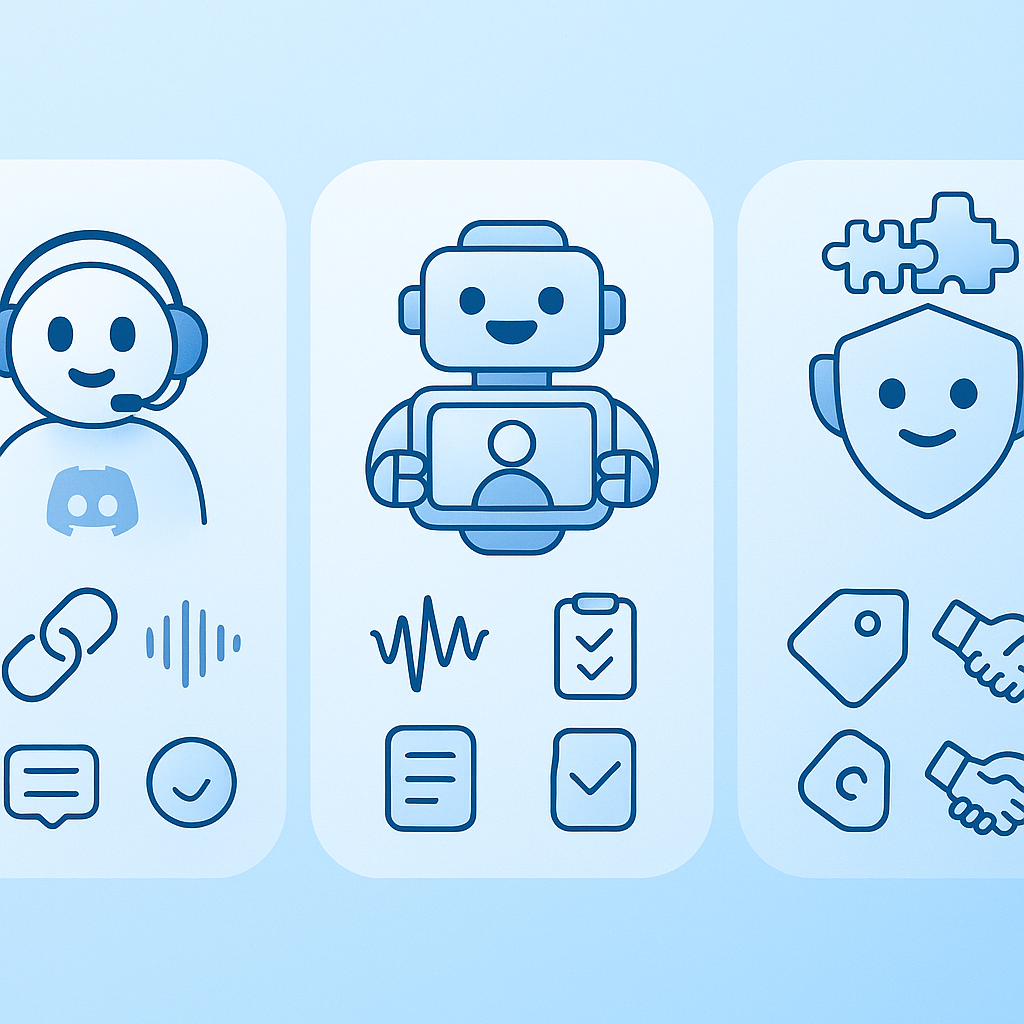
Who are the contenders—Harmony, Otter, or MEE6?
Each tool arrived at Discord support from a different direction:
| Tool | Origin | Discord status (2025) |
|---|---|---|
| Harmony | Built specifically for Discord communities | Native bot, actively maintained |
| Otter.ai | Enterprise meeting transcription for Zoom, Meet, Teams | Integration removed late 2024 |
| MEE6 | Moderation and engagement bot trusted by 21 million servers | AI add-ons via separate subscription |
Harmony's Discord-first architecture means setup requires only a bot invite and a simple /join command. Otter, by contrast, now focuses on platforms like Zoom, Microsoft Teams, and Google Meet, leaving Discord users without direct support. MEE6 offers AI image and text generation but treats meeting intelligence as a secondary feature rather than a core workflow.
Harmony at a glance
Harmony joins your voice channel and immediately begins transcribing technical discussions in real-time. After the call, it delivers:
Complete transcriptions with speaker attribution
AI-generated summaries highlighting key decisions
Automatic action-item extraction
Searchable archives so past meetings become a knowledge base
Setup takes less than a minute with no configuration required. The bot is purpose-built for Discord, so slash commands feel native and results post directly into your server.
Otter's pivot away from Discord
Otter.ai established itself as a transcription accuracy leader, gaining trust from over 3 million users including Fortune 500 companies. Its strength lies in real-time collaboration during Zoom, Teams, and Meet calls, where teammates can highlight, comment, and edit transcripts together.
However, Otter's AI Meeting Notetaker is now scheduled to automatically join Zoom, Microsoft Teams, and Google Meet meetings—Discord is notably absent. Users who once relied on Otter for Discord transcriptions must now export recordings manually or migrate to a Discord-native alternative.
MEE6's AI add-ons
MEE6 offers multiple subscriptions, and the most important thing to remember is that all MEE6 services operate independently. If your server needs AI image or text generation, an MEE6 AI plan is required. For moderation tools or welcome messages, MEE6 Premium suffices.
Everyone can try MEE6 AI features for free, but the free tier is limited:
/imagine– 3 slow generations per person, no reset/write– 10 generations per person every 30 daysBackstory replies – 7 free bot replies per person every 30 days
MEE6's AI capabilities lean toward entertainment and engagement rather than structured meeting notes, action items, or searchable transcripts.
How do transcription accuracy, collaboration & integrations compare?
When evaluating AI meeting notes, three dimensions matter most: how accurately the tool hears you, how well it supports team collaboration, and how deeply it integrates with your existing workflow.
Who hears you best?
Transcription accuracy varies by tool and audio conditions. Otter.ai typically achieves 85-95% accuracy with superior speaker identification, though one benchmark placed its accuracy at 76.0% under challenging conditions. The disparity highlights how background noise, accents, and microphone quality affect results.
Harmony's specialized recognition accurately transcribes technical terms, product names, and industry-specific language—a must-have for engineering standups or gaming guilds discussing in-game mechanics.
Discord-specific bots like NotesBot advertise support for 100+ languages, widening accessibility for global communities. Otter, meanwhile, only supports English, which can be a deal-breaker for international teams.
Key takeaway: If your community speaks multiple languages or uses niche jargon, prioritize a Discord-native bot with broad language coverage and vocabulary tuning.
Real-time collaboration & AI summaries
Otter leans hard into live collaboration during meetings, allowing teammates to see the transcript as it's being created and layer on highlights, comments, and reactions. That real-time co-editing experience remains unmatched on Zoom or Teams—but it no longer extends to Discord.
Harmony compensates by transforming voice discussions into actionable intelligence with automatic action items and analytics. Summaries post directly into Discord threads, keeping context where your team already works.
MEE6's AI Characters feature lets servers engage users with custom AI Characters for interactive experiences, but it lacks the structured note-taking and action-item extraction that productivity-focused teams need.
Cost of ownership: user vs server pricing
Pricing models differ dramatically between per-user and per-server structures.
| Plan | Otter.ai | Harmony | MEE6 Premium |
|---|---|---|---|
| Free tier | 300 monthly minutes | Community tier available | Limited AI generations |
| Paid entry | $16.99/user/month (Pro) | Flat fee per server | Monthly, yearly, or lifetime per server |
| Business/Team | $30/user/month | Business tier with API access | Separate AI subscription required |
Otter's per-user pricing scales quickly for large teams. A 20-person engineering squad on the Business plan would pay $600/month before add-ons. Harmony's flat-fee-per-server model keeps costs predictable regardless of headcount—an advantage for growing communities.
MEE6 Premium offers flexible pricing options, including monthly, yearly, and lifetime plans, but AI features require a separate MEE6 AI subscription. Stacking subscriptions can erode cost savings.
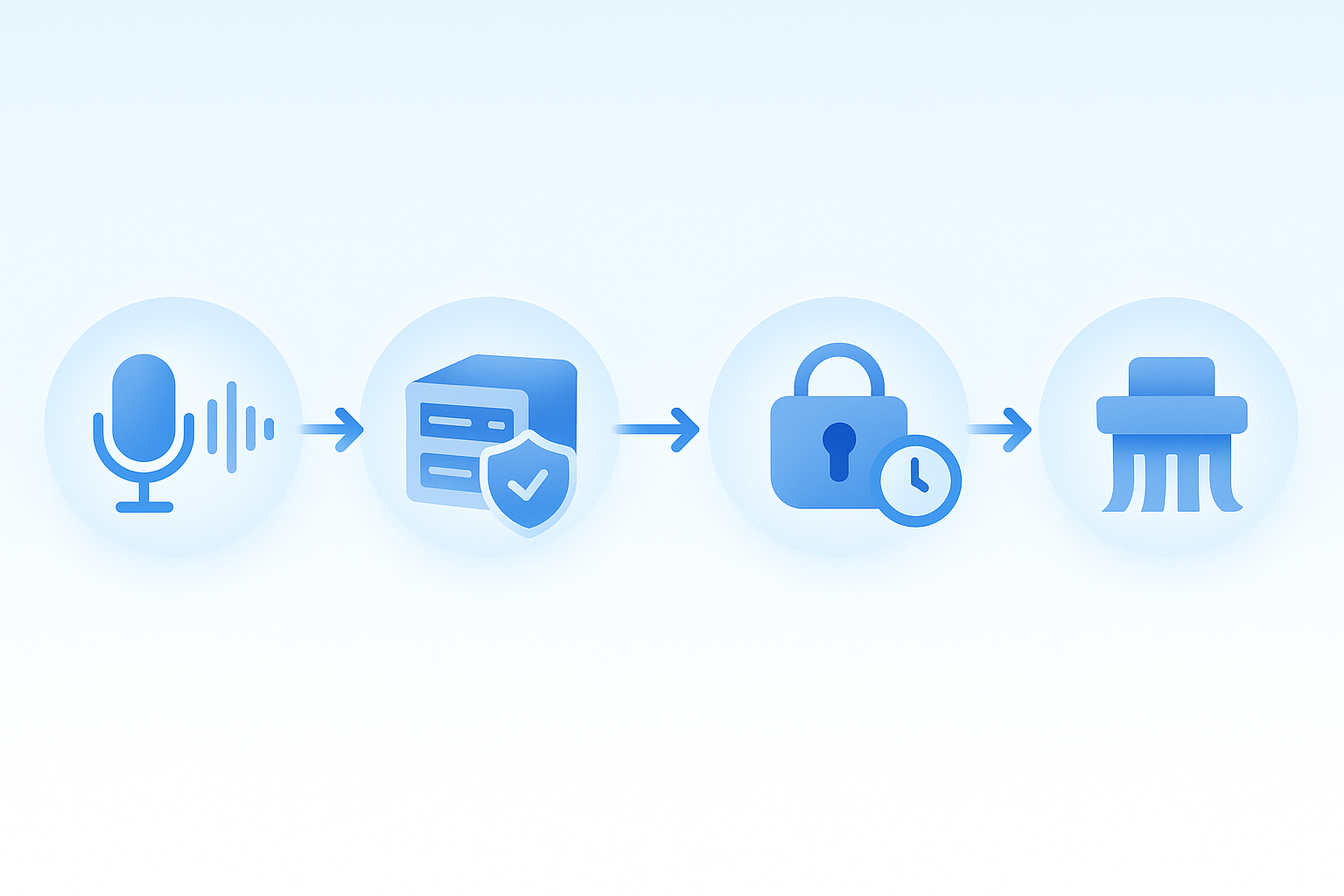
Is your meeting data safe? Privacy, compliance & control
Recording voice conversations introduces legal and ethical considerations. Regulations like MiFID II, Dodd-Frank, HIPAA, and GDPR require organizations to securely capture required communications and protect participant data.
Discord-native tools like DiscMeet emphasize minimal data collection: audio files are deleted immediately after transcription, and the service does not sell, share, or use data for advertising or model training.
Otter addresses enterprise concerns with features such as Domain Capture, which ensures that anyone who signs up using your corporate email domain is automatically added to your organization's workspace. SSO integration supports Okta, Azure AD, and Google Workspace.
MEE6's privacy posture is less explicit for AI features. Server owners should review terms carefully before enabling recording add-ons.
Consent reminder: It is the responsibility of the Discord server owner to obtain consent from all participants before starting a recording session. Failure to disclose can expose organizations to liability.
Best practices:
Post clear recording notices in voice-channel descriptions.
Use bots that establish and maintain reasonable procedures to protect confidentiality.
Retain transcripts only as long as business needs require.
Choosing the right Discord meeting-notes bot: a checklist
Before committing to a tool, walk through these steps:
Define your primary use case. Standups? Community AMAs? Sales calls? Match the bot's strengths to your workflow.
Evaluate transcription accuracy. Request a trial and test with your typical audio conditions and vocabulary.
Consider tools that automatically summarize meeting notes and transcripts (Slack). Summaries save hours of manual review.
Assess collaboration needs. Do teammates need to annotate live, or is post-call review sufficient?
Calculate total cost. Factor in per-user fees, server subscriptions, and any add-on charges.
Review privacy and compliance. Ensure the tool meets your industry's regulatory requirements.
Test integrations. Confirm the bot posts summaries where your team already works—Discord threads, Notion, or project boards.
Organizations implementing AI meeting assistants achieve a 25% reduction in meeting time and a 30% improvement in action-item completion rates. The right choice pays dividends quickly.
Key takeaways & why Discord-first matters
Otter's departure from Discord underscores an important lesson: tools adapted from other platforms rarely match the experience of purpose-built solutions. Harmony is built specifically for Discord communities, not adapted from meeting tools, which translates to native slash commands, seamless thread posting, and pricing that scales with servers rather than seats.
For teams that live in Discord voice channels, Harmony delivers the end-to-end workflow—from /join to AI summary—without juggling external apps. MEE6 remains a capable moderation companion but treats meeting intelligence as a side feature. Otter, while still a leader on Zoom and Teams, simply no longer plays in the Discord space.
If your community or company relies on Discord for synchronous communication, investing in a Discord-first AI notetaker ensures decisions are captured, action items are tracked, and knowledge compounds over time. Harmony fits that bill in 2025.
Frequently Asked Questions
Why did Otter remove its Discord integration?
Otter removed its Discord integration in late 2024 to focus on platforms like Zoom, Microsoft Teams, and Google Meet, leaving Discord users to seek alternative solutions.
What makes Harmony a good choice for Discord users?
Harmony is built specifically for Discord, offering seamless integration with native commands, real-time transcriptions, AI-generated summaries, and action-item extraction, making it ideal for teams using Discord for communication.
How does MEE6 compare to Harmony for meeting notes?
MEE6 offers AI features as add-ons, primarily focusing on moderation and engagement rather than structured meeting notes. Harmony, on the other hand, is designed for comprehensive transcription and summarization within Discord.
What are the privacy considerations for using AI meeting note tools on Discord?
Using AI meeting note tools requires obtaining consent from participants and ensuring compliance with regulations like GDPR. Tools like DiscMeet emphasize minimal data collection and secure handling of transcripts.
How does Harmony's pricing model benefit Discord communities?
Harmony's flat-fee-per-server pricing model offers predictable costs regardless of team size, making it a cost-effective solution for growing Discord communities compared to per-user pricing models like Otter's.
Sources
- https://otter.ai/integrations
- https://otter.ai/pricing
- https://learn.g2.com/best-ai-meeting-assistants?hsLang=en
- https://www.theverge.com/apps/673208/discord-ai-forums-anniversary-gamechat
- https://www.glean.com/perspectives/how-ai-meeting-assistants-are-quietly-changing-the-way-teams-perform
- https://slack.com/intl/en-gb/blog/productivity/ai-meeting-note-taker-how-it-works-and-features-to-look-for
- https://mee6.xyz/
- https://hedabot.com/
- https://aloa.co/ai/comparisons/ai-note-taker-comparison/otter-ai-vs-fireflies-ai
- https://help.mee6.xyz/support/solutions/articles/101000539351-understanding-mee6-services-from-premium-to-ai-to-pro
- https://help.mee6.xyz/support/solutions/articles/101000536149-free-mee6-ai-generations
- https://axis-intelligence.com/best-ai-transcription-services-2025/
- https://notesbot.io/
- https://fireflies.ai/blog/ai-note-taker-for-teams
- https://otter.ai/pricing/
- https://wiki.mee6.xyz/premium
- https://learn.microsoft.com/en-us/microsoftteams/teams-recording-compliance
- https://discmeet.com/privacy
- https://otter.ai/blog/the-rise-of-ai-notetakers-how-enterprises-stay-secure
- https://www.ftc.gov/legal-library/browse/rules/childrens-online-privacy-protection-rule-coppa