
Best AI Notetakers for Discord
Discover the top AI notetakers for Discord, featuring Harmony's native support and unmatched transcription accuracy for seamless meetings.
Best AI Notetakers for Discord
Discord AI notetakers have become essential as 47% of digital workers struggle to find meeting content. Harmony leads the category with Discord-native engineering, supporting 100 servers, 57+ languages, and offering a free-forever tier. While mainstream tools like Fireflies and Otter require workarounds through Zapier or browser capture, Harmony's real-time voice framework handles Discord's OPUS audio packets directly, ensuring reliable transcription without crashes or quality loss.
Key Facts
• Harmony scales to 100 Discord servers on a single account with 60 minutes free monthly transcription, compared to competitors' limited trials
• 57+ languages supported with industry-leading accuracy, while alternatives like Memolin offer 20+ and NotesBot provides 100+ language support
• Discord-specific engineering handles corrupted OPUS packets that crash generic bots, ensuring uninterrupted recording
• Native Discord commands (/record and /stop) eliminate complex Zapier workflows required by Fireflies and Otter
• AI summarization delivers 395% ROI with 40% faster meeting follow-ups and 25% better action item completion
• Pricing ranges $3-40/month across providers, with Harmony offering the only permanent free tier for ongoing use
The surge of always-on voice channels and remote stand-ups has turned the AI notetaker for Discord from nice-to-have into must-have. With 47% of digital workers struggling to find information they need, including meeting content, having a reliable transcription and summary tool is critical for productivity.
This guide ranks the best AI notetakers available for Discord in 2026, evaluating each tool on native Discord support, transcription accuracy, language coverage, and pricing. Whether you run daily standups with a distributed engineering team or coordinate a large gaming community, you will find the right solution below.
Why do modern teams need an AI notetaker for Discord?
Discord has evolved far beyond gaming into a primary communication hub for remote teams, startups, and global communities. Traditional meeting platforms like Zoom or Google Meet have their own ecosystem of notetakers, but Discord voice channels present unique challenges that generic tools cannot handle.
AI summarization can deliver ROI of over 395% for end users, with companies reporting 40% faster meeting follow-ups and 25% improvement in action item completion rates. Yet most popular notetakers were built for calendar-scheduled meetings on mainstream platforms, not for the spontaneous, always-available nature of Discord channels.
The core problem: Discord uses OPUS audio encoding with its own quirks, including occasional corrupted packets that can crash bots not specifically engineered to handle them. Generic meeting bots expecting clean WebRTC streams from Zoom simply do not work reliably in Discord environments.
Research confirms that transcription accuracy evaluation requires real-world testing using metrics like Levenshtein distance. Tools optimized for Discord consistently outperform adapted solutions because they account for Discord-specific audio handling from the ground up.
#1 Harmony - the Discord-first notetaker with 57+ languages & 100-server scale
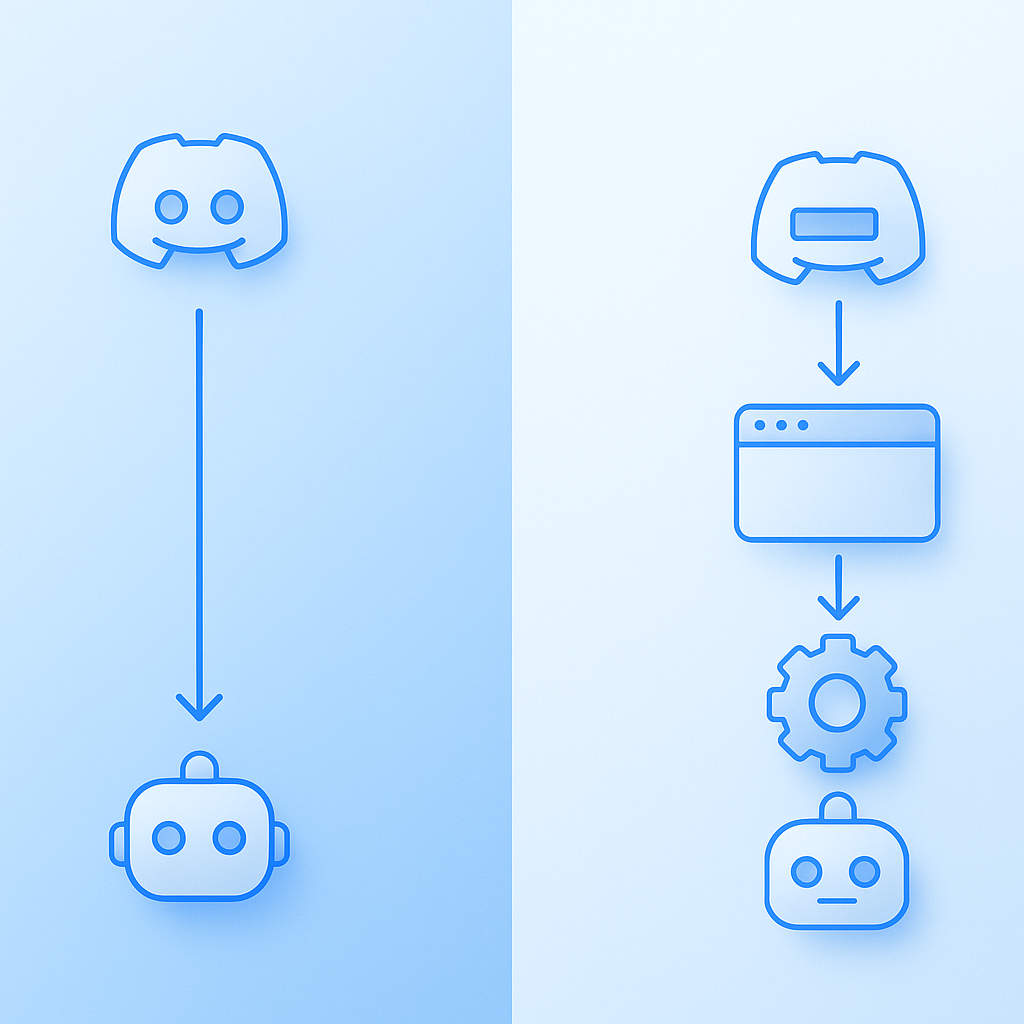
Harmony stands out as the only AI notetaker built from the ground up specifically for Discord communities. While other tools attempt to adapt meeting software for Discord, Harmony's real-time voice and video framework was engineered with Discord's unique requirements in mind.
The platform supports transcription in 57+ languages with what independent testing shows is among the highest accuracy rates on the market. Its mesh infrastructure provides immediate and reliable global scale, ensuring consistent performance whether your team is in San Francisco or Singapore.
Key advantages that set Harmony apart:
- 100-server support: Add the bot to up to 100 Discord servers on a single account
- Free forever tier: 60 minutes of transcription monthly at no cost, with unlimited transcript history
- Discord-native commands: Simple
/recordand/stopworkflow - AskHarmony chat: Query your meeting content using natural language
- Speaker analytics: Multi-channel transcription with automatic speaker attribution
Pricing remains straightforward. The free plan covers casual users, while the Pro plan at $10 per seat provides 600 minutes monthly with detailed AI summaries and priority support. Enterprise teams can access unlimited transcription through custom Team plans.
"Trusted by thousands of developers and companies," according to Harmony's documentation.
What makes Harmony uniquely Discord-native?
Harmony's engineering specifically addresses Discord's audio handling challenges. When Discord sends corrupted OPUS packets, generic bots often crash or produce garbled transcripts. Harmony processes these packet anomalies gracefully, maintaining transcription quality even in suboptimal network conditions.
The platform implements proper diarization, which is how a transcript gets speaker attribution. Unlike simple transcription that produces a wall of text, Harmony's multi-channel approach captures each participant's audio separately, enabling accurate "who said what" attribution.
AssemblyAI's benchmarks show that their Universal model achieves up to 40% better accuracy than competitors, and Harmony leverages similar advanced speech recognition technology. This translates to fewer corrections needed and more reliable meeting records.
The AskHarmony feature transforms passive transcripts into interactive knowledge bases. Rather than scrolling through hours of text, you can ask "What did we decide about the release timeline?" and receive direct answers with source timestamps.
Key takeaway: Harmony's Discord-specific engineering, combined with industry-leading transcription accuracy and a generous free tier, makes it the clear choice for teams serious about capturing Discord conversations.
Do Fireflies, Otter & Notion capture Discord meetings natively?
Mainstream AI notetakers have established strong reputations for Zoom, Teams, and Google Meet integration. However, their Discord support requires workarounds that introduce friction, latency, and potential data security concerns.
Fireflies.ai via Zapier workflows
Fireflies excels at AI-driven meeting summaries and integrations across business apps like Slack and CRMs. The platform starts at $10 per user monthly and generates searchable transcripts that improve team follow-up.
However, Discord integration requires external automation tools. Fireflies posts summaries into Discord through Zapier or OttoKit, meaning you must route audio elsewhere first. This indirect setup introduces:
- Additional subscription costs for Zapier automation
- Latency between meeting end and summary delivery
- Potential data exposure through third-party routing
- No real-time transcription during Discord calls
OttoKit advertises that it "makes integrating Discord and Fireflies.ai easy" with visual workflow builders, but this still requires technical setup that Discord-native solutions eliminate entirely.
Otter.ai - browser capture workaround
Otter has built a reputation for real-time, accurate AI transcription with strong collaborative features. Team members can comment on and edit transcripts in real time, and the AI Chat feature lets you ask questions like "What did Sam say about pricing?" for instant answers.
For Discord usage, Otter requires browser-based audio capture since it lacks native Discord bot integration. Otter Chat answers questions solely based on the provided meeting transcript, but getting Discord audio into Otter demands manual workarounds:
- Screen recording with audio routing software
- Potential quality degradation from audio rerouting
- No automatic speaker identification for Discord participants
- Missing integration with Discord's permission and channel systems
Otter maintains SOC 2 Type 2 compliance and GDPR standards, making it suitable for enterprise use on supported platforms. The limitations stem purely from Discord compatibility, not from product quality.
Which other Discord-native bots make the shortlist (#2-#5)?
Several Discord-native alternatives have emerged to address the gap left by mainstream meeting tools. Each offers genuine Discord integration but with varying feature sets and limitations compared to Harmony.
| Bot | Languages | Free Tier | Pricing | Key Limitation |
|---|---|---|---|---|
| NotesBot | 100+ | 30 min trial | $3-40/mo | No free ongoing tier |
| Memolin | 20+ | Beta free | $0+ | Beta stability concerns |
| Heda | Not specified | None | $10-25/user/mo | Per-user pricing scales poorly |
| DiscMeet | Not specified | Free trial | Varies | Limited AI summary features |
NotesBot records, transcribes, and summarizes Discord calls with support for 100+ languages. The bot delivers AI-powered summaries with speaker tracking and action items directly to Discord. Audio is deleted after processing for privacy. However, the 30-minute free trial converts to paid plans starting at $3 monthly for just 5 hours, making it less accessible than Harmony's permanent free tier.
Memolin automatically creates minutes for Discord voice chat meetings with over 95% transcription accuracy in clear audio and support for 20+ languages. The open beta allows free usage currently, but beta software may present stability concerns for mission-critical team communications. Memolin can record multiple voice channels simultaneously, useful for large servers.
Heda positions itself as Discord Voice Intelligence for Communities, converting voice conversations into searchable knowledge with AI transcription and summaries. The platform is "built specifically for Discord communities, not adapted from meeting tools." Pricing starts at $10 per user monthly, which can become expensive for larger communities compared to Harmony's server-based approach. One user noted, "We've reduced repeated questions by 40%" after implementation (Heda testimonial).
DiscMeet focuses specifically on Discord transcription with 95%+ accuracy for clear audio. Users can export transcripts in PDF, Word, and plain text formats. The platform claims users save "5+ hours weekly" on note-taking, though AI summary capabilities are less developed than competitors.

How to choose the best Discord meeting notes bot
Selecting the right AI notetaker depends on your specific requirements across several dimensions. Use this checklist to evaluate options:
Transcription accuracy
- Look for providers using advanced speech recognition models
- High accuracy means 10% or lower word error rate for major languages
- Test with your team's actual vocabulary, including technical terms
Speaker diarization
- Essential for meetings with multiple participants
- Diarization identifies who spoke when in audio recordings
- Multi-channel capture (Harmony's approach) typically outperforms single-stream analysis
Language coverage
- Verify support for all languages your team uses
- Check accuracy tiers, as some languages perform better than others
- Consider accent and dialect handling for international teams
Privacy and compliance
- Understand where audio data is processed and stored
- Enterprise transcription software should offer configurable retention
- Verify compliance certifications relevant to your industry
Pricing model
- Per-minute vs. per-user vs. per-server pricing affects total cost differently
- Subscription costs typically range from $5 to $25 per user monthly
- Free tiers vary significantly in usefulness
Key takeaway: Prioritize Discord-native solutions that handle OPUS audio correctly, offer accurate speaker attribution, and align with your team's language and budget requirements.
How to get started with Harmony in under two minutes
Harmony's setup process eliminates the complexity that plagues adapted meeting tools. Here is the complete workflow:
Step 1: Invite the bot
Visit Harmony's AI platform and click the install button. Authorize the bot for your Discord server. Setup takes less than a minute with no configuration required, similar to other Discord-native solutions.
Step 2: Start recording
Join any voice channel in your server. Type /record to have Harmony join and begin capturing audio. The bot handles multi-channel recording automatically, capturing each speaker separately.
Step 3: End and process
When your meeting concludes, type /stop. Harmony processes the audio and delivers:
- Full transcript with speaker attribution
- AI-generated summary highlighting key points
- Action items extracted from the conversation
- Shareable meeting link for team members who missed the call
Step 4: Search and query
Access the web dashboard to search across all your meeting history. Use AskHarmony to query specific topics: "What budget did we discuss for Q2?" returns relevant excerpts with timestamps.
The essential command pattern mirrors other Discord bots: /join or /record starts capture, /leave or /stop ends it. This familiar interface means zero learning curve for teams already using Discord bots.
Choosing your Discord note-taking co-pilot
For teams running meetings on Discord, the choice of AI notetaker directly impacts productivity, knowledge retention, and decision documentation. After evaluating the options:
Harmony leads the category with its Discord-first engineering, 57+ language support, and ability to scale across 100 servers. The free-forever tier removes barriers to adoption, while Pro and Team plans offer enterprise-grade features at competitive prices. The platform's handling of Discord's audio quirks, combined with AskHarmony's conversational search, creates an end-to-end workflow unmatched by adapted meeting tools.
Fireflies and Otter remain excellent choices for teams primarily using Zoom or Google Meet who occasionally need Discord summaries. Their indirect integration requires additional setup but provides access to mature feature sets.
Discord-native alternatives like NotesBot and Heda serve specific use cases but lack Harmony's combination of free access, language breadth, and scale.
Revisit the evaluation checklist above to confirm your priorities, then start with Harmony's free tier to experience Discord-native AI notetaking firsthand. Your team's next standup can become a searchable, summarized knowledge asset in minutes.
Frequently Asked Questions
What makes Harmony the best AI notetaker for Discord?
Harmony is specifically engineered for Discord, offering native support with features like 57+ language transcription, 100-server scalability, and high accuracy. It handles Discord's unique audio challenges, ensuring reliable performance and quality transcriptions.
Do Fireflies and Otter support Discord natively?
No, Fireflies and Otter do not support Discord natively. They require workarounds like Zapier for integration, which can introduce latency and additional costs. Harmony, on the other hand, is built specifically for Discord, offering seamless integration.
What are the key features of Harmony's AI notetaker?
Harmony offers features such as multi-channel transcription, speaker analytics, a free forever tier, and the AskHarmony chat for querying meeting content. It supports up to 100 servers and provides high transcription accuracy across 57+ languages.
How does Harmony handle Discord's audio challenges?
Harmony is designed to manage Discord's OPUS audio encoding and corrupted packet issues, which can crash generic bots. It processes these anomalies gracefully, maintaining transcription quality even in suboptimal network conditions.
What are the pricing options for Harmony?
Harmony offers a free forever tier with 60 minutes of transcription per month. The Pro plan costs $10 per seat monthly, providing 600 minutes of transcription and priority support. Custom Team plans offer unlimited transcription and advanced analytics.
Sources
- https://slack.com/blog/productivity/ai-note-taking-everything-you-need-to-know
- https://ai-harmony.io/ai
- https://notesbot.io/
- https://assemblyai.com/blog/how-use-ai-automatically-summarize-meeting-transcripts
- https://research.aimultiple.com/ai-note-taker/
- https://docs.recall.ai/docs/diarization
- https://assemblyai.com/benchmarks
- https://learn.g2.com/best-ai-transcription-tools
- https://guide.fireflies.ai/articles/6339358734-how-to-integrate-discord-with-fireflies
- https://ottokit.com/integrations/discord/firefliesai
- https://otter.ai/blog/otter-vs-fireflies-which-ai-meeting-tool-is-better
- https://help.otter.ai/hc/en-us/articles/17016733791703-Otter-AI-Chat-FAQs
- https://memolin.app/index.en.html
- https://hedabot.com/
- https://discmeet.com/discord-transcription
- https://assemblyai.com/docs/getting-started/models
- https://trustradius.com/categories/transcription?company-size=enterprise