
Fathom vs Harmony for Discord: AI notetaker pricing & features
Discover the best AI notetaker for Discord. Compare Fathom and Harmony on features, pricing, and native Discord integration.
Fathom vs Harmony for Discord: AI notetaker pricing & features
Fathom doesn't actually join Discord voice channels or record Discord calls directly. While Zapier makes it easy to integrate Fathom with Discord, this only sends notifications to Discord channels after meetings end on other platforms. Harmony provides a native Discord bot that joins voice channels via /record command, transcribes in 57+ languages, and handles Discord's Opus audio format.
At a Glance
• Fathom requires third-party Zapier integration to send notifications to Discord, but cannot record Discord voice calls
• Harmony's native Discord bot joins voice channels directly and records conversations in real-time
• Fathom supports 25 languages for Zoom/Teams/Meet recordings; Harmony offers 57+ languages specifically for Discord
• Harmony handles Discord's Opus packet corruption issues for accurate transcription
• Fathom costs $20/month per user; Harmony Pro costs $10/seat with 600 minutes included
• Both offer free tiers, but only Harmony actually works inside Discord voice channels
If your team runs standups, community calls, or collaboration sessions on Discord, you have probably searched for an AI notetaker that actually works inside the platform. Fathom vs Harmony is the comparison that keeps surfacing, yet only one of these tools has a native Discord bot. Below you will find a feature-by-feature breakdown, pricing tables, and technical details so you can choose the right solution for your server.
Why compare Fathom and Harmony for Discord meetings?
Fathom is a well-regarded AI meeting assistant for Zoom, Google Meet, and Microsoft Teams. It offers unlimited recordings, transcription in 25 languages, and a conversational AI feature called Ask Fathom. However, its Discord support is limited to third-party automation.
"Zapier makes it easy to integrate Fathom with Discord - no code necessary," states the Zapier integration page. That integration pushes notifications to a Discord channel after a meeting ends on another platform. You can also connect Discord to Fathom through Relay.app, which lets you post a message to a channel for each new meeting transcript.
Neither automation allows Fathom to join a Discord voice channel, record live audio, or generate transcripts from in-channel conversations. If your meetings happen inside Discord, you need a tool built specifically for that environment.
Fathom does publish a public API for developers who want to build integrations, but Discord is not among its natively supported platforms. The API documentation focuses on webhooks for meetings, Typescript and Python SDKs, and OAuth apps for other Fathom users.
Harmony, by contrast, is a Discord-first AI notetaker. You invite the bot to your server, type /record when you enter a voice channel, and /stop when the meeting ends. The service then produces a transcript, AI summary, and action items without leaving Discord.
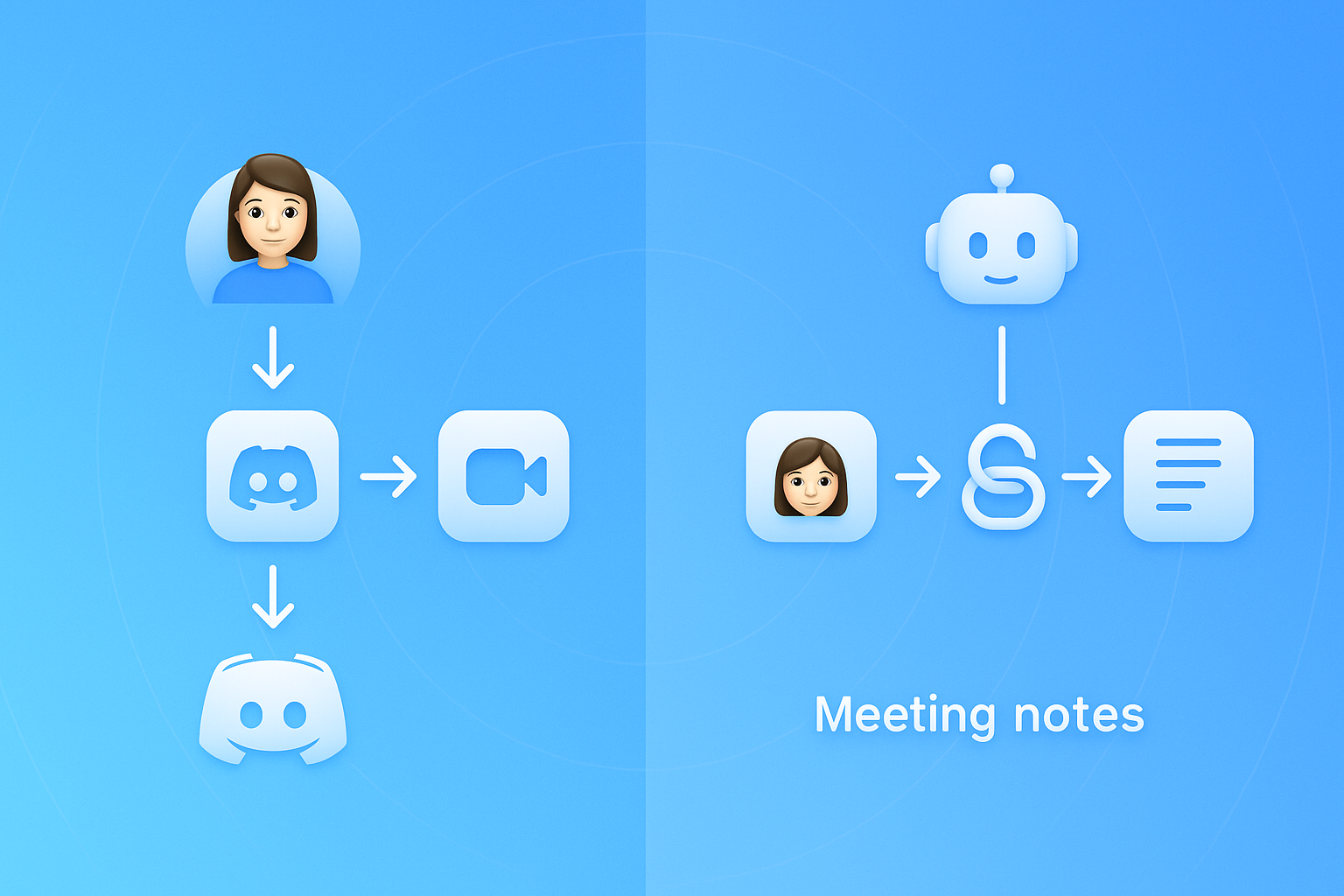
Core capabilities: native Discord bot vs. third-party work-arounds
The fundamental difference is where the bot lives. Harmony joins your voice channel directly, while Fathom relies on external meeting apps.
| Capability | Harmony | Fathom |
|---|---|---|
| Discord voice channel recording | Yes | No |
| Bot joins via slash command | /record and /stop | N/A |
| Third-party Zapier triggers | Not required | New AI Summary trigger |
| Native Zoom, Meet, Teams support | No | Yes |
Fathom's Zapier automation works like this: when a new AI summary is created from a Zoom or Teams call, Zapier sends a message to a Discord channel. That keeps your team informed but does not capture anything said inside Discord itself.
Relay.app notes that there are currently "No Fathom actions yet", which means you can trigger Discord messages from Fathom events but cannot push commands back to Fathom.
Harmony's approach is different. The discord.js voice system allows bots to join voice channels, and Harmony extends that capability to record, transcribe, and summarize. Setup takes less than a minute, with no configuration required. You type /join or /record, and the bot begins capturing technical discussions in real time. Harmony is built specifically for Discord communities, not adapted from meeting tools designed for other platforms.
Another Discord-focused transcription bot, Heda, demonstrates market demand for this niche. Heda also lets users analyze up to 10,000 messages per month for free and claims that communities have "reduced repeated questions by 40% since support sessions became searchable."
Key takeaway: If your calls happen on Zoom or Teams, Fathom is an excellent choice. If your calls happen on Discord, you need a native bot like Harmony.
How does each tool handle Discord's Opus packet quirks?
Discord transmits audio using Opus, a codec standardized by the IETF as RFC 6716 in 2012. Opus offers excellent voice quality at bitrates from 20 to 40 kbit/s and supports frame sizes from 2.5 ms to 60 ms. These technical specifications matter because network instability can corrupt packets, and a transcription bot must handle those errors gracefully.
The discord.js guide recommends using Ogg or WebM Opus streams to improve performance because that approach removes the need for an FFmpeg transcoder. Low-quality streams are usually caused by poor network connections or insufficient machine resources.
Opus includes built-in features for lossy networks:
- Discontinuous Transmission (DTX): Reduces the packet rate during silence, letting the decoder fill in comfort noise.
- Forward Error Correction (FEC): Adds a coarser description of each packet to the next one, aiding packet-loss robustness.
Harmony is engineered to handle these Discord-specific audio characteristics. The bot processes multi-channel Opus streams, applies error correction, and feeds clean audio to the transcription engine.
Fathom, because it never joins Discord voice channels, does not interact with Opus packets at all. Its transcription pipeline is optimized for Zoom, Teams, and Meet, which use different audio protocols.
Discord also classifies certain Gateway Intents as privileged, including GuildPresences, MessageContent, and GuildMembers. A bot operating in 100 or more servers must request approval for these intents. Discord's goal is to ensure that message privacy is the default state for bots at scale, granting access only when necessary for core functionality. Harmony has navigated this approval process to provide a compliant, scalable solution.
How do Fathom and Harmony compare on price?
Both services offer free tiers, but the feature sets differ significantly.
| Plan | Fathom | Harmony |
|------|--------|---------||
| Free | Unlimited recordings, basic AI summaries, Ask Fathom for 5 meetings/month | 60 min of transcription, AI summaries, unlimited transcript history, unlimited servers |
| Paid entry | Premium at $20/month per user | Pro at $10/seat with 600 min per seat |
| Team tier | $18/month per user, minimum 2 users | Custom pricing with unlimited transcription |
| Enterprise | $28/month per user | Book a demo |
Fathom's pricing assumes you are recording Zoom, Teams, or Meet calls. It includes unlimited transcription in 25 languages and advanced CRM integrations at higher tiers.
Harmony's pricing is built around Discord usage. The free plan covers short meetings, while the Pro plan at $10 per seat suits teams that run multiple calls per week. Larger organizations can request a Team plan with unlimited transcription, advanced analytics, and unlimited seats.
Other Discord transcription bots have similar pricing models. NotesBot, for example, offers a Basic plan at $3/month for 5 hours and an Ultimate plan at $40/month for 100 hours. Otter.ai, which focuses on Zoom and Teams, starts its Pro plan at $16.99/user/month with 1,200 in-app recording minutes.
Key takeaway: Harmony's Pro plan delivers 600 minutes of Discord transcription at half the cost of Fathom's Premium tier, and it actually works inside Discord.
Which platform supports more languages on Discord?
Language coverage matters for international teams and multilingual communities.
| Service | Languages supported |
|---------|--------------------||
| Fathom | 25 languages |
| Harmony | 57+ languages |
| NotesBot | 102 languages |
| Scripty | 55 languages |
Fathom's 25-language support is generous for a meeting tool, but it only applies to Zoom, Teams, and Meet recordings. You cannot use it to transcribe a Discord call in Portuguese or Japanese.
Harmony supports more than 57 languages with automatic detection. The bot identifies the spoken language and applies the correct transcription model without manual configuration.
Multilingual transcription involves code-switching, which occurs when speakers mix languages in the same conversation. According to Recall.ai's documentation, async models generally deliver higher quality for code-switching scenarios than real-time models. Harmony processes audio after each segment to balance latency and accuracy.
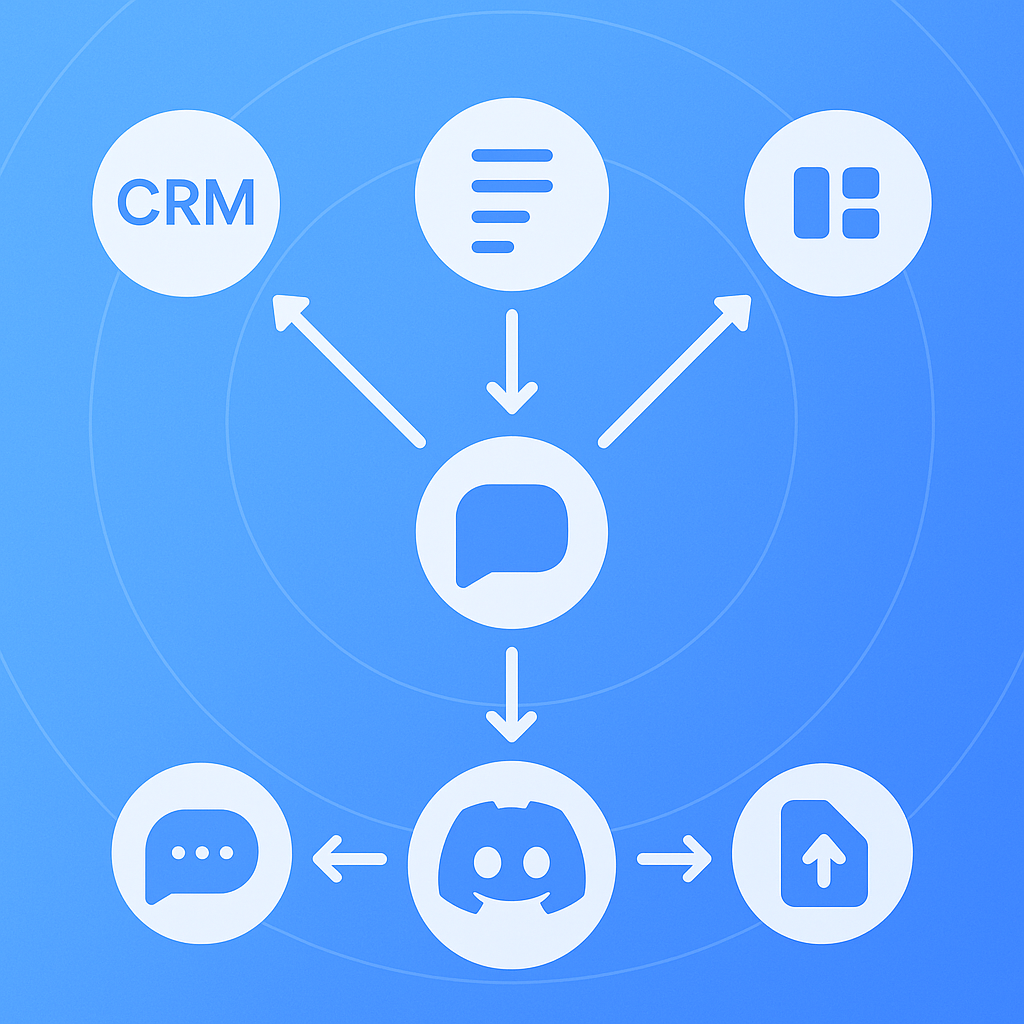
Workflow automation & integrations beyond the call
Once your meeting is transcribed, you need to move action items into your project management tools.
Fathom integrates with Salesforce, HubSpot, Asana, Slack, and Zapier. You can automatically send highlights to Slack in real time, sync call summaries to your CRM, or convert action items into trackable Asana tasks. The new public API expands these possibilities, and Fathom also sets up webhooks for meetings so you can build custom workflows.
Harmony includes AskHarmony, a conversational interface that lets you query meeting content in natural language. You can search transcripts, ask for highlights, or request a list of decisions made during a call. The web dashboard provides a centralized place to view, manage, and export transcripts and summaries.
AI meeting assistants across the industry are moving toward automatic extraction of action items. As Circleback.ai explains, AI systems can parse meeting transcripts to automatically identify tasks, deadlines, and assigned owners. Meeting notes can then be cross-referenced with calendar data and project management systems.
Harmony generates detailed AI summaries with speaker tracking and action items. Because the bot records each participant on a separate audio channel, it can attribute statements to specific speakers, making follow-up easier.
Choosing the right Discord transcription bot for your community
The decision depends on where your meetings happen.
Choose Fathom if:
- Your team uses Zoom, Google Meet, or Microsoft Teams for synchronous communication.
- You need deep CRM integrations with Salesforce or HubSpot.
- You want unlimited recordings on the free plan.
Choose Harmony if:
- Your standups, community calls, or gaming sessions happen inside Discord voice channels.
- You need transcription in 57+ languages without leaving Discord.
- You want a bot that handles Discord's Opus audio format natively.
Some teams use Discord for casual collaboration and Zoom for formal meetings. In that case, you might run both tools in parallel. However, if Discord is your primary meeting platform, Fathom's third-party automations will not capture the conversations that matter most.
Discord's developer policies also shape this decision. Bots operating in 100 or more servers must request privileged intent approval. Unverified bots in fewer than 100 guilds are not affected, but scaling a bot requires compliance with Discord's privacy standards. Harmony has built its architecture around these requirements.
Privacy-conscious communities may appreciate that Scripty, another Discord transcription bot, processes audio entirely offline without sending data to third parties. Scripty's core features are free forever, and no logs are kept about transcriptions or audio. Harmony deletes audio files after processing, but the comparison shows that privacy features vary across the market.
Recall.ai, which powers transcription for many meeting bots, processes billions of minutes in recording per year while maintaining a 99.9% uptime SLA. That infrastructure supports Zoom, Teams, Meet, Webex, and Slack, but not Discord. Harmony has built its own pipeline specifically for Discord's audio protocols.
Key takeaways: Harmony's Discord-first edge
Fathom is a powerful AI notetaker for traditional meeting platforms. It offers unlimited recordings, CRM integrations, and a generous free tier. However, it cannot join a Discord voice channel, process Opus audio streams, or generate transcripts from in-channel conversations.
Harmony fills that gap. The bot joins your Discord server in under a minute, records when you type /record, and delivers transcripts and AI summaries when you type /stop. It supports 57+ languages, handles Discord's Opus packet quirks, and starts free with 60 minutes of transcription.
For teams that have migrated from Zoom or Meet to Discord for day-to-day communications, Harmony is the only AI notetaker that works where you actually meet. Trusted by thousands of users, it transforms voice channel discussions into searchable, actionable knowledge.
Try Harmony free and start capturing your Discord meetings today.
Frequently Asked Questions
What is the main difference between Fathom and Harmony for Discord?
The main difference is that Harmony is a native Discord bot that can join voice channels, record, and transcribe meetings directly within Discord. Fathom, on the other hand, relies on third-party integrations and cannot join Discord voice channels directly.
How does Harmony handle Discord's Opus audio format?
Harmony is engineered to process multi-channel Opus streams, applying error correction to handle packet loss, ensuring clean audio for transcription. This makes it well-suited for Discord's unique audio characteristics.
What are the pricing differences between Fathom and Harmony?
Harmony offers a Pro plan at $10 per seat with 600 minutes of transcription, while Fathom's Premium tier is $20 per month per user, optimized for Zoom, Teams, and Meet. Harmony's pricing is tailored for Discord usage.
How many languages does Harmony support for transcription?
Harmony supports transcription in over 57 languages, with automatic language detection, making it ideal for international and multilingual Discord communities.
Can Fathom be used for Discord meetings?
Fathom can be integrated with Discord through third-party tools like Zapier, but it cannot join Discord voice channels or transcribe in-channel conversations. It is primarily designed for platforms like Zoom and Teams.
What makes Harmony a better choice for Discord users?
Harmony is specifically designed for Discord, offering native integration, support for 57+ languages, and the ability to handle Discord's Opus audio format, making it the ideal choice for Discord-based meetings.
Sources
- https://zapier.com/apps/fathom/integrations/discord
- https://www.relay.app/apps/discord/integrations/fathom
- https://developers.fathom.ai/
- https://zapier.com/apps/discord/integrations/fathom/1742937/send-channel-messages-in-discord-for-new-ai-summaries-in-fathom
- https://v12.discordjs.guide/voice/optimisation-and-troubleshooting.html
- https://harmonynotetaker.ai
- https://opus-codec.org/
- https://discordjs.guide/popular-topics/intents
- https://support-dev.discord.com/hc/en-us/articles/5324827539479-Message-Content-Intent-Review-Policy
- https://fathom.video/pricing
- https://notesbot.io/
- https://otter.ai/pricing/
- https://www.notesbot.io/languages
- https://scripty.org/
- https://docs.recall.ai/docs/multilingual-transcription
- https://www.fathom.ai/integrations
- https://circleback.ai/how-to/track-meeting-action-items
- https://support-dev.discord.com/hc/en-us/articles/4404772028055-Message-Content-Privileged-Intent-FAQ
- https://www.recall.ai/product/speaker-diarization-api