
Granola not working for Discord? Best AI Notetakers built for Discord teams
Discover why Granola falls short for Discord and explore top AI notetakers optimized for Discord teams, including Harmony AI.
Granola not working for Discord? Best AI Notetakers built for Discord teams
Granola doesn't work with Discord because it lacks bot functionality and requires manual activation for each recording session. Discord-optimized tools like Harmony AI use bots that auto-join voice channels, handle Opus packet corruption specific to Discord's audio infrastructure, and provide real-time transcription with speaker labels—features Granola explicitly lacks.
At a Glance
- Granola cannot join Discord channels automatically—it requires manual clicking to start notes and has no Discord bot capability
- Desktop version lacks speaker identification, only showing unlabeled text while speaker labels work exclusively on iPhone
- Discord uses Opus codec with unique packet handling requirements that generic tools aren't optimized for
- Purpose-built Discord tools like Harmony AI transcribe in 57+ languages with automatic bot joining
- Craig has recorded 270 years of Discord audio since 2017, proving demand for Discord-specific solutions
- NotesBot supports 102 languages with automatic detection specifically for Discord channels
Discord meetings move fast. A purpose-built AI notetaker for Discord can capture every decision without you alt-tabbing. Yet most tools, including Granola, skip critical Discord quirks. This guide compares true Discord-native options and shows how teams stay organized.
Why Discord teams struggle with conventional note-taking apps
Conventional AI notetakers were built for Zoom, Google Meet, and Microsoft Teams. When Discord-first teams try to retrofit these tools, friction appears immediately.
Granola, for example, "does not automatically transcribe meetings without you having clicked into a note" (Granola Help Center). The app relies on system audio capture from your local device and requires a manual trigger every time. There is no Discord bot, no auto-join, and no way to hop into a voice channel on your behalf.
Another gap: real-time transcription is missing. According to Krisp's hands-on review, "Granola does not provide real-time transcription" (Krisp). After a call ends, the tool processes audio to create a transcript. That workflow may suit solo executives on Zoom, but Discord teams running rapid-fire standups need live visibility.
Speaker diarization compounds the problem.
Granola's own docs confirm that "only our iPhone app can recognize different speakers in the transcript, during face-to-face meetings" (Granola Docs). Desktop users see unlabeled text, making it difficult to attribute action items.
For distributed teams that have migrated from traditional platforms to Discord, these limitations are deal-breakers. A true Discord transcription bot must join channels automatically, handle the platform's unique audio pipeline, and label speakers in real time.
Granola under the microscope: what's missing for Discord?
Granola targets executives and consultants who prefer discretion over automation. "Instead of a bot joining your call, the app captures audio directly from your device during meetings on Zoom, Teams, or other platforms" (Krisp). That design means no participant sees a bot icon, but it also means no native integration with Discord voice channels.
Key gaps include:
No bot join capability. Users must manually start notes; the tool cannot enter a Discord channel on its own.
No live speaker labels on desktop. The transcript identifies speakers as "Speaker A, Speaker B, and so on," only on the iPhone app (Granola Help Center).
No transcript editing. "It's not currently possible to edit transcripts or delete a section in Granola" (Granola Feature Requests).
No public API. Teams wanting to pipe transcripts into their own workflows face a dead end.
For a Discord community running daily syncs, these gaps translate into missed decisions and orphaned action items.
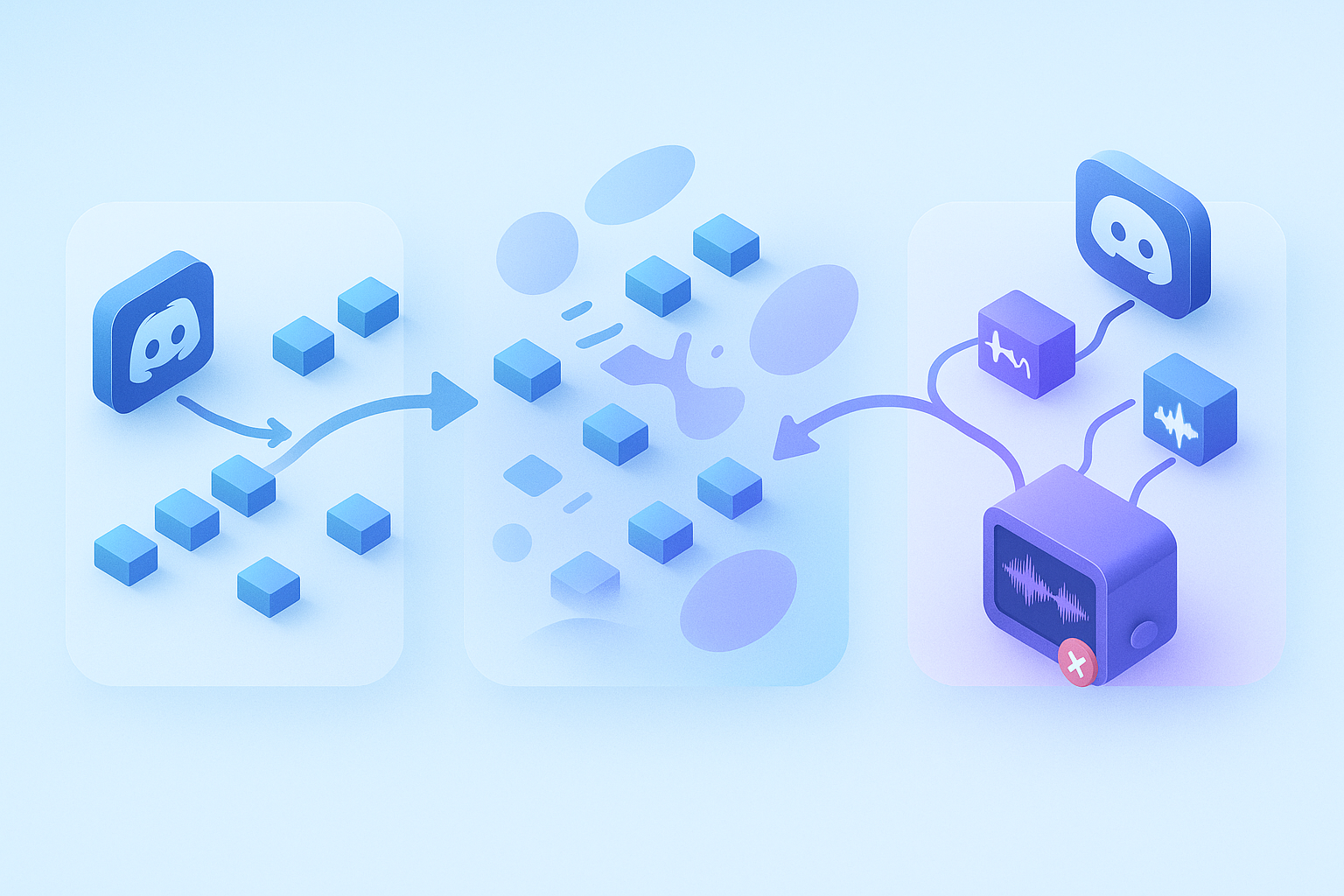
Why Discord audio is different: Opus packets, real-time loss & bot optimisation
Discord's voice infrastructure is built around the Opus codec, "standardized by the IETF as RFC6716 in 2012" (Opus IETF Paper). Opus supports bitrates from 6 kbit/s to 510 kbit/s and embeds in-band Forward Error Correction to recover lost packets (Opus Wiki).
That flexibility is great for gaming, but it introduces challenges for transcription.
"Audio and video are sent over separate RTP packets and the receiver synchronizes them before playback" (Discord Engineering Blog). If packets arrive out of order or get dropped, the decoder must reconstruct frames on the fly.
Consumer internet connections regularly experience jitter, which means bots must be engineered to handle corruption gracefully.
The discord.js voice guide notes that "low-quality streams are likely due to a poor network connection or your machine not having enough resources to play audio smoothly" (discord.js Guide). For bots capturing audio for transcription, using "Ogg/WebM Opus streams can significantly improve performance as it means runtime does not require an FFmpeg transcoder" (discord.js Guide).
LACE, a speech codec enhancement method, "is trained to enhance the output signal of the SILK decoder, the speech coding mode of Opus" (IETF LACE Draft). Bots that leverage similar enhancement pipelines can recover clarity lost to packet corruption.
Key takeaway: An AI notetaker for Discord must decode Opus streams in real time, tolerate packet loss, and still produce accurate transcripts.
What features define a great AI notetaker for Discord?
Look for these six capabilities when evaluating a Discord transcription bot:
Auto-join voice channels. The bot should hop in when your meeting starts, no manual triggers required.
Opus packet handling. Robust decoding that survives jitter and loss.
Real-time transcription with speaker labels. See who said what as the conversation unfolds.
Multilingual support. NotesBot, for instance, "supports 102 languages with automatic detection" (NotesBot).
Action-oriented summaries. Chirp 3, Google's latest ASR model, "provides diarization and automatic language detection" alongside features like automatic punctuation and speaker diarization (Google Cloud Docs).
Secure, consent-aware storage. Multichannel speech-to-text systems can process "up to 5 channels per audio file" (ElevenLabs Docs), but you still need clear consent workflows.
Teams that tick all six boxes find their notes becoming genuinely actionable instead of just archival.
Best Discord-ready AI notetakers in 2026 (ranked)
The table below compares four tools that actually work inside Discord voice channels.
| Tool | Auto-Join | Speaker Labels | Multilingual | AI Summaries | Pricing |
|---|---|---|---|---|---|
| Harmony AI | Yes | Yes | 57+ languages | Detailed | Free tier; Pro $10/seat |
| Craig | Yes | Per-speaker files | No | No | Free; Patreon extras |
| DiscMeet | Yes | Limited | Varies | Yes | Freemium |
| NotesBot | Yes | Yes | 102 languages | Basic | Freemium |
As one developer put it, "Working in startups and small teams on Discord, I often found myself in the situation where I had to take notes during a meeting. This is possible on Google Meet and other services using Otter.ai, Fireflies.ai, and other services. But there's nothing for Discord" (GitHub).
Craig remains popular for podcasters because it "records your Discord voice channel" and delivers "a separate audio file for each speaker" (Craig). It has recorded "more than 270 years of audio in 2.8 million recordings" since 2017. However, Craig focuses on raw audio export, not transcription or summaries.
DiscMeet "automatically creates meeting notes from your Discord calls. Action items, decisions, and summaries -- all without you doing anything" (DiscMeet). It posts notes directly into Discord threads, though it acknowledges the AI "is not perfect."
Harmony earns a 4.7 out of 5 rating on G2 and stands out for its Discord-first architecture.
Harmony AI -- Discord-first, multilingual & action-item aware
Harmony's bot joins Discord voice channels via simple slash commands: /record to start and /stop to finish. The tool transcribes in 57+ languages, generates detailed AI summaries, and extracts action items.
Because the bot is optimized for Discord's Opus pipeline, it handles packet loss scenarios that trip up generic transcription APIs. "If you're not going to change your stream's volume in real-time, you can disable the volume transformer discord.js creates for you" (discord.js Guide). The service applies similar optimizations under the hood, ensuring cleaner audio reaches the transcription engine.
Configuration is straightforward: type /config in Discord, click the Language dropdown, and select your preferred mode (NotesBot). The same flow applies to its settings panel.
Security & compliance: recording responsibly on Discord
"To transcribe a Discord voice or video call, you need two things: a clean recording (with everyone's consent) and a workflow to turn that audio into a readable transcript with speaker labels" (GoTranscript). Consent is not optional; it is both a legal requirement and a trust signal.
"Compliance recording is the process of recording and storing communications in a way that follows local, national, and global regulatory requirements" (Microsoft Learn). While Microsoft Teams has a formal compliance certification program, Discord-native tools must implement their own safeguards.
Accessibility also matters.
"More than 1 billion people around the world live with a disability" (Microsoft Accessibility). Live captions and searchable transcripts help team members who are deaf or hard of hearing participate fully.
Best practices include:
Announce when recording starts.
Store transcripts in a secure, access-controlled location.
Offer participants the ability to request deletion.
Use end-to-end encryption where supported.
Bringing crystal-clear notes to every Discord meeting
Discord teams deserve notetakers built for Discord. Generic tools like Granola require manual triggers, lack live speaker labels on desktop, and cannot join voice channels automatically.
By contrast, purpose-built bots handle Opus packet quirks, transcribe in real time, and generate summaries the moment a call ends.
When evaluating options, prioritize auto-join, multilingual support, speaker diarization, and compliance features. NotesBot's 102-language roster and Deepgram-powered diarization prove these capabilities already exist (NotesBot).
For a Discord-first experience that combines multilingual transcription, detailed AI summaries, and action-item extraction, Harmony checks every box. Add the bot to your server, type /record, and let the transcript write itself.
Ready to stop missing decisions? Visit Harmony and start your first call in under two minutes.
Frequently Asked Questions
Why doesn't Granola work well with Discord?
Granola lacks native integration with Discord, requiring manual triggers for transcription and lacking real-time speaker labels on desktop. It also doesn't support auto-joining voice channels, which is crucial for seamless Discord meeting transcriptions.
What makes Harmony AI a better choice for Discord?
Harmony AI is designed specifically for Discord, offering features like auto-joining voice channels, real-time transcription with speaker labels, and multilingual support. It handles Discord's unique audio challenges, such as Opus packet handling, ensuring accurate transcriptions.
How does Discord's audio infrastructure affect transcription?
Discord uses the Opus codec, which can introduce challenges like packet loss and jitter. Effective transcription tools for Discord must handle these issues by decoding Opus streams in real time and tolerating packet loss to maintain transcription accuracy.
What features should I look for in a Discord AI notetaker?
Key features include auto-joining voice channels, robust Opus packet handling, real-time transcription with speaker labels, multilingual support, action-oriented summaries, and secure storage with consent workflows.
How does Harmony ensure compliance and security in Discord recordings?
Harmony emphasizes consent and compliance by announcing recordings, storing transcripts securely, and offering deletion requests. It also supports accessibility features like live captions to ensure inclusivity for all users.
Sources
- https://v12.discordjs.guide/voice/optimisation-and-troubleshooting.html
- https://help.granola.ai/article/transcription
- https://granola.ai/docs/docs/101/duringyourmeeting/live-transcription
- https://www.notesbot.io/languages
- https://krisp.ai/blog/ai-note-taking-apps/
- https://help.granola.ai/article/feature-requests#:~:text=It's%20not%20currently%20possible%20to,working%20on%20at%20the%20moment.
- https://jmvalin.ca/papers/aes135_opus_silk.pdf
- https://wiki.xiph.org/Opus
- https://discord.com/blog/how-it-all-goes-live-an-overview-of-discords-streaming-technology
- https://datatracker.ietf.org/doc/draft-opus-lace/
- https://docs.cloud.google.com/speech-to-text/docs/models/chirp-3
- https://elevenlabs.io/docs/developers/guides/cookbooks/speech-to-text/multichannel-transcription
- https://github.com/Dhravya/discord-voice-transcript-for-teams
- https://craig.chat/
- https://discmeet.com/discord-meeting-notes
- https://www.g2.com/products/harmony-notetaker/reviews
- https://gotranscript.com/blog/how-to-transcribe-discord-calls
- https://learn.microsoft.com/en-us/microsoftteams/teams-recording-compliance
- https://www.microsoft.com/en-us/microsoft-teams/accessibility-closed-captions-transcriptions
- https://harmonynotetaker.ai