
Migrate Discord meeting archives from MEE6 to better AI notetaker
Switch from MEE6 to Harmony for limitless Discord meeting transcripts, multilingual support, and AI summaries. Enhance productivity now!

Migrate Discord Meeting Archives from MEE6 to Better AI Notetaker
Discord teams migrating from MEE6's recording feature seek better AI notetakers because MEE6 limits free recordings to just 2 minutes, barely enough to test audio settings. While upgrading to premium extends recordings to 6 hours for €12/month, it still provides only raw audio files without transcription or AI summaries, forcing teams to manually process meeting content.
At a Glance
• MEE6's free tier caps Discord voice recordings at 2 minutes, while premium allows 6 hours but costs €12 monthly
• Neither MEE6 tier provides transcription, speaker identification, or AI summaries—only raw audio files
• Craig offers free 6-hour recordings but files expire after 7 days with no transcription features
• Modern AI notetakers achieve 95%+ transcription accuracy and automatically extract action items
• Teams can export existing MEE6 data using tools like mee6-data-exporter before migrating to preserve history
• Harmony provides unlimited recording, 57+ language support, and conversational search through past meetings
Teams that need to migrate Discord meeting archives quickly discover MEE6 caps their recordings and locks data behind paywalls. The free tier stops recording after just two minutes, barely enough time to test your microphone. Upgrading unlocks longer sessions, but it still leaves you with raw audio files and zero transcription. The smarter move is switching to Harmony's AI bot for limitless transcripts, multilingual support, and summaries that turn every call into searchable knowledge.
Why Are Teams Rushing to Migrate Discord Meeting Archives Now?
Discord has no native feature to record audio. As one guide bluntly states, "there is no inbuilt feature to record Discord audio" (TechToogle). That gap forces communities to bolt on bots like MEE6, but the limitations become painful fast.
The productivity cost is real. "The average knowledge worker spends 21.5 hours per week in meetings, yet most of those conversations result in scattered notes, missed action items, and forgotten decisions" (AssemblyAI). When your recording bot cuts out at two minutes, those forgotten decisions multiply.
MEE6 works well for moderation, leveling systems, and welcome messages. Recording, however, was never its core strength. Teams that once tolerated the cap are now seeking AI notetakers that deliver transcripts, summaries, and speaker analytics out of the box.
Key takeaway: If your Discord calls generate decisions worth keeping, a two-minute ceiling is a liability, not a feature.
What Are the Hidden Limits of MEE6 Recording & Export Tools?
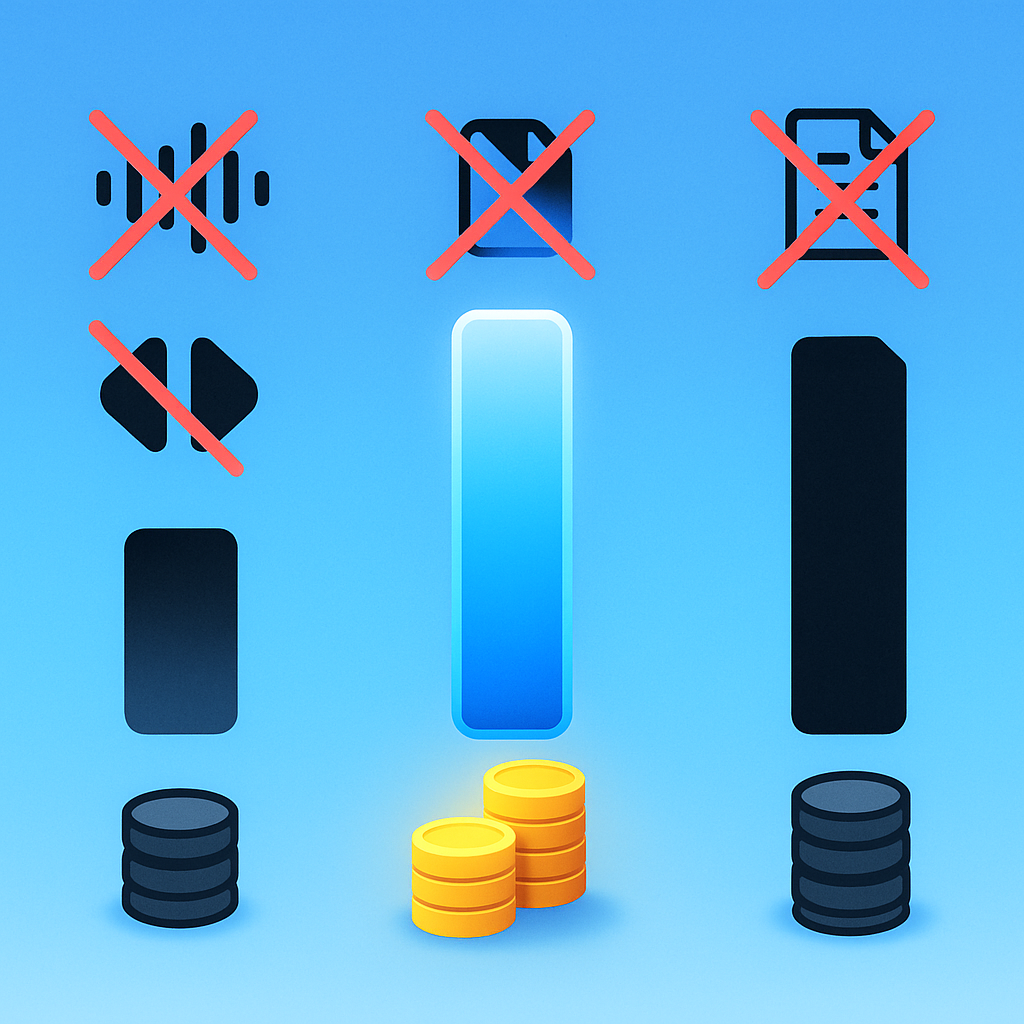
"MEE6's Recording Plugin may as well be premium locked as well since you can only record up to 2 minutes per recording, which might not even be enough to dial in your audio setting correctly before speaking" (Alternatives to MEE6).
Upgrading removes the two-minute cap, but the cost adds up. "If you want to record more than 2 minutes, it's €12 per Month" (Alternatives to MEE6). Even then, you receive only an audio file with no transcription, no speaker identification, and no AI summary.
Craig as a stop-gap: Craig is often cited as a free alternative. It "will record up to 6 hours, keeps your audio for you to download for 7 days, and has no limit on the number of speakers or voice channel bitrate" (Craig). That is a substantial improvement, yet Craig still outputs raw audio. You must handle transcription elsewhere, and files disappear after a week if you forget to download them.
| Feature | MEE6 Free | MEE6 Premium | Craig Free |
|---|---|---|---|
| Max recording length | 2 min | 6 hr | 6 hr |
| File retention | Varies | Varies | 7 days |
| Transcription | None | None | None |
| AI summary | None | None | None |
| Cost | Free | €12/month | Free |
Key takeaway: Craig removes the time cap but not the transcription burden; MEE6 premium removes the cap at a recurring cost while still delivering no AI analysis.
How Can You Export MEE6 Archives Safely?
Before migrating to a new notetaker, you may want to preserve existing data. MEE6 does not offer a one-click export, so community-built tools fill the gap.
XP and Leveling Data: The mee6-data-exporter CLI tool lets you export XP and leveling information. You "open the main.go file and change the serverId variable to represent the ID of the guild whose data you wish to export" (GitHub). This is useful if you plan to migrate leaderboards to another bot.
Chat Logs and Attachments: Discordmate is a browser extension that helps you "save discord chat logs and batch export images, videos and such attachments in Discord Channels or Direct Messages."
For deeper exports, the Discord Server Exporter stores message history in a MongoDB database. Setup requires Node.js, MongoDB, and a Discord bot added to your server.
Alternatively, DiscordChatExporter allows you to download direct and group messages as well as server channel logs to a file in HTML or JSON.
Native Audit Logs: Discord's built-in audit log retains administrative actions for 45 days (Discord Docs). If you need a compliance trail before switching bots, export or screenshot relevant entries.
Step-by-step summary:
- Run mee6-data-exporter to pull XP data into a local SQLite file.
- Use Discordmate or DiscordChatExporter to archive text and attachments.
- Download any Craig recordings within the seven-day window.
- Screenshot or export Discord audit logs for compliance.
What Should a Modern AI Notetaker for Discord Deliver?
A capable AI notetaker goes far beyond raw recording. According to a Slack study, "81% of employees say AI tools improve productivity" (Slack).
Essential Capabilities:
- High transcription accuracy: Leading speech recognition systems achieve up to 95%+ accuracy in optimal conditions (AssemblyAI).
- Speaker identification: Advanced systems identify specific people when integrated with your calendar or directory.
- Multilingual support: Code switching across languages is supported by providers like Recall AI, Deepgram, and Gladia (Recall.ai Docs).
- AI summaries and action items: Automatic extraction of decisions and next steps eliminates manual note-taking.
- Searchable archives: Indexed transcripts let you query past meetings in natural language.
- Privacy controls: Audio deletion after processing protects sensitive discussions.
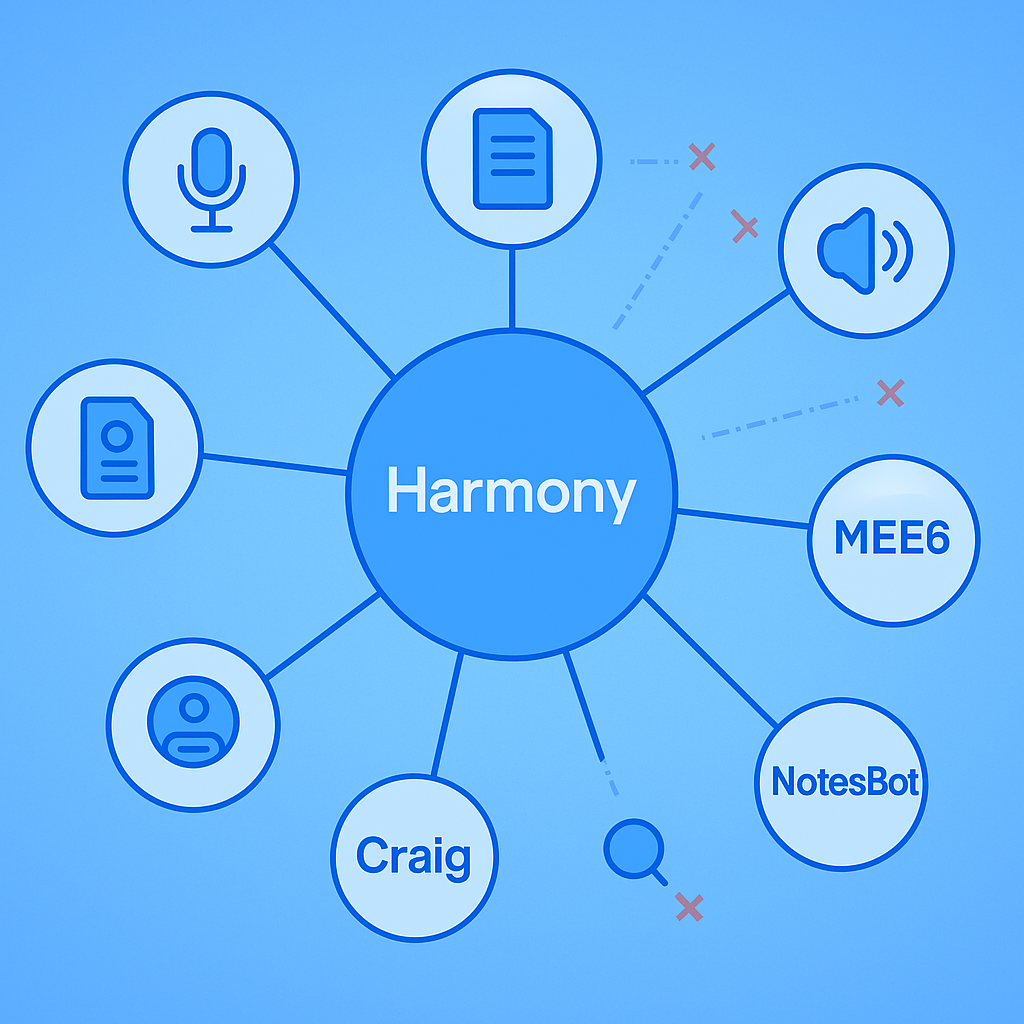
Harmony delivers all six capabilities natively, with a Discord-first design and commands like /record and /stop that feel familiar to MEE6 users.
Harmony vs. MEE6, Craig & NotesBot: Feature-by-Feature Showdown
| Feature | Harmony | MEE6 Premium | Craig | NotesBot |
|---|---|---|---|---|
| Max recording | Unlimited | 6 hr | 6 hr | 3 hr |
| AI transcription | Yes | No | No | Yes |
| Speaker tracking | Yes | No | Yes (separate files) | Yes |
| AI summary | Yes | No | No | Yes |
| Languages | 57+ | N/A | N/A | 100+ |
| Conversational search | AskHarmony | No | No | No |
| File retention | Persistent | Varies | 7 days | Varies |
| Starting price | See pricing | €12/month | Free | $3/month |
Craig has recorded "more than 270 years of audio in 2.8 million recordings" since 2017, averaging "about 2,000 conversations per day" (Craig). That scale proves demand, but Craig's value ends at the audio file. NotesBot adds AI summaries with "speaker tracking and action items" (NotesBot), yet it caps recordings at three hours and lacks conversational search.
Harmony stands apart with AskHarmony, a chat interface that lets you query any past meeting in natural language. Combined with 57+ language support and persistent archives, it turns every Discord call into institutional memory.
AI chatbots are scaling rapidly. "In February 2025, ChatGPT was the most popular artificial intelligence (AI) application worldwide, with over 400.61 million monthly active users" (Statista). That momentum is pushing AI features into every productivity tool, including Discord bots.
Key takeaway: If you need more than raw audio, Harmony's AI layer and persistent search justify the switch.
How to Migrate to Harmony Without Losing History
Migration is straightforward and requires no coding.
- Export existing recordings: Download any Craig or MEE6 audio files before they expire.
- Archive chat logs: Use DiscordChatExporter to save text history in HTML or JSON.
- Invite Harmony: Add the bot to your server and grant voice channel permissions.
- Start recording: Type
/jointo have Harmony join your voice channel and begin transcribing (NotesBot uses the same command pattern). - Stop and summarize: Type
/leaveto stop recording and receive an AI summary directly in Discord. - Import legacy audio (optional): Drag exported audio files into Harmony's web dashboard for transcription and indexing.
- Configure settings: Use
/configto customize language, summary style, and recording mode.
The context window of modern language models "has recently undergone a significant expansion, scaling from a few thousand tokens to tens or even hundreds of thousands" (COLING 2025). Harmony leverages these advances to summarize long meetings without truncation.
Keeping Your Community Engaged During the Switch
"One of the simplest ways to approach moving your online community to a new platform is to treat it like a launch" (Mighty Networks). The same principle applies to swapping bots.
Rollout Tips:
- Create a phased rollout plan: Span one to two months so members less familiar with the new bot do not encounter an empty, unused feature (Common Room).
- Announce in multiple channels: Post in your announcements channel, pin a message in voice-chat-heavy channels, and mention the change in your next live meeting.
- Leverage audit logs: "When an audit log is posted, it shows the user's profile picture, their Discord username, what action they had taken, and the time of the event" (MEE6 Help). Use this visibility to reassure members that moderation and recording are active.
- Host a launch event: Run a test meeting where members can see Harmony transcribe in real time and ask questions.
- Set a deadline: Give a clear cutoff date for MEE6 recording so members know when to expect the full transition.
- Accept some attrition: Not everyone adapts immediately, but focusing on serving engaged members will yield better long-term results.
Future-Proof Your Discord Knowledge
Raw audio files age poorly. Without transcription, searching for a decision made six months ago means scrubbing through hours of recordings. AI notetakers solve that by indexing every word and making it searchable.
"The best tools achieve industry-leading accuracy rates even with background noise, multiple speakers, and technical jargon" (AssemblyAI). That accuracy compounds over time: the longer you use an AI notetaker, the richer your searchable archive becomes.
"Effective meeting notes can speed up decisions and spur action after a session ends" (Slack). Harmony's combination of transcription, summaries, and AskHarmony search turns every Discord call into a knowledge asset rather than a forgotten file.
Ready to stop losing decisions to two-minute caps? Invite Harmony to your server, run /record, and see the difference AI-powered meeting notes make. Check out Harmony pricing to find a plan that fits your community.
Frequently Asked Questions
Why should I switch from MEE6 to Harmony for Discord meeting recordings?
Switching from MEE6 to Harmony is beneficial because Harmony offers unlimited recording time, AI transcription, multilingual support, and AI-generated summaries, which MEE6 lacks. This makes meetings more productive and decisions easily searchable.
What are the limitations of MEE6's recording capabilities?
MEE6's free tier limits recordings to two minutes, and even the premium version only provides raw audio files without transcription or AI summaries. This can hinder productivity as important meeting details may be lost.
How can I export my existing MEE6 data before switching to Harmony?
To export MEE6 data, use community tools like mee6-data-exporter for XP data, Discordmate for chat logs, and DiscordChatExporter for message history. These tools help preserve your data before migrating to Harmony.
What features does Harmony offer that MEE6 and Craig do not?
Harmony provides unlimited recording, AI transcription, speaker tracking, AI summaries, multilingual support, and conversational search, which are not available with MEE6 or Craig. This makes Harmony a comprehensive solution for managing Discord meeting archives.
How does Harmony ensure privacy and data security?
Harmony ensures privacy by deleting audio after processing and providing persistent, searchable archives. This protects sensitive discussions while making meeting content easily accessible.
Sources
- https://wiki.mee6.xyz/en/plugins/record
- https://www.alternativestomee6.com/mee6-plugin-replacements/utilities/audio-recording
- https://www.assemblyai.com/blog/top-ai-notetakers
- https://www.techtoogle.com/how-to/record-discord-audio/
- https://craig.chat/
- https://github.com/luisjones/mee6-data-exporter
- https://discordmate.com/
- https://github.com/Mega-Mewthree/Discord-Server-Exporter
- https://howtogeek.com/how-to-export-discord-chat-messages/
- https://docs.discord.food/resources/audit-log
- https://slack.com/blog/productivity/ai-meeting-note-taker-how-it-works-and-features-to-look-for
- https://docs.recall.ai/docs/multilingual-transcription
- https://notesbot.io/
- https://www.statista.com/statistics/ai-apps-monthly-active-users/
- https://aclanthology.org/2025.coling-main.28.pdf
- https://www.mightynetworks.com/resources/how-to-move-an-online-community
- https://commonroom.io/blog/moving-community-slack-to-discord
- https://help.mee6.xyz/support/solutions/articles/101000475709-how-to-use-audit-logs-to-track-your-members-actions