
Migrate from Otter to Harmony: AI notetaker for Discord setup
Switch from Otter to Harmony for seamless Discord note-taking. Learn how to migrate in under 10 minutes and enhance your workflow.
Migrate from Otter to Harmony: AI notetaker for Discord setup
Otter's Discord integration issues like the November 2025 service outage and persistent calendar hooks frustrate teams needing reliable transcription. Harmony offers Discord-native recording that delivers complete transcripts and MP3 recordings directly to Discord without calendar dependencies, plus private-cloud deployment ensures your data stays within your infrastructure.
TLDR
- Migration time: Complete setup takes under 10 minutes with a simple
/joincommand in Discord - Key difference: Harmony connects directly to Discord voice channels while Otter relies on calendar-linked meetings
- Data security: Harmony ensures data doesn't flow out of your private cloud versus Otter's shared infrastructure
- Pricing advantage: Harmony starts at $10/seat with 600 minutes versus Otter's $16.99-$30/user with minute caps
- Language support: Harmony supports 100+ languages compared to Otter's English-only transcription
- Reliability: No Chrome extension breakages or service outages that plague Otter users
Teams running voice calls on Discord need a notetaker built for Discord, not bolted onto Zoom. If Otter integration issues have you hunting for an alternative, this guide walks you through how to migrate from Otter to Harmony in under ten minutes. You will learn why Discord workflows demand purpose-built transcription, what pitfalls to avoid, and how to export your legacy data before switching.
Why are teams migrating from Otter to Harmony?
Otter.ai earned its reputation on Zoom and Google Meet, but Discord communities are discovering friction the platform was never designed to handle. Independent testing shows Otter delivers lower accuracy than top engines, and its minute-capped plans force admins to ration transcription time.
User reviews echo the frustration. One Trustpilot reviewer noted, "Bad software...I removed the integration to outlook but otter keeps showing up" (Trustpilot). When an integration refuses to stay removed, confidence erodes quickly.
Service reliability compounds the problem. Otter's own status page documented a full outage with Otter services in November 2025, leaving teams mid-meeting without notes. For communities that rely on voice channels around the clock, a single outage can wipe hours of irreplaceable context.
What integration pitfalls and service disruptions plague Otter?
Otter's architecture centers on calendar-linked meetings, not always-on voice channels. That mismatch surfaces in several ways:
Repeated outages. The November 2025 status update confirmed engineers were experiencing an outage with Otter services and scrambling to restore functionality.
Chrome extension breakage. A separate incident revealed the Otter Chrome Extension stopped working after a browser update, with no timeline for a complete fix.
Sticky calendar hooks. Even after disconnecting integrations, some users report the bot continues appearing in Outlook and sending unauthorized invites.
These disruptions hurt most when you cannot afford to miss a single call, exactly the scenario Discord-first teams face daily.
What makes Discord note-taking different?
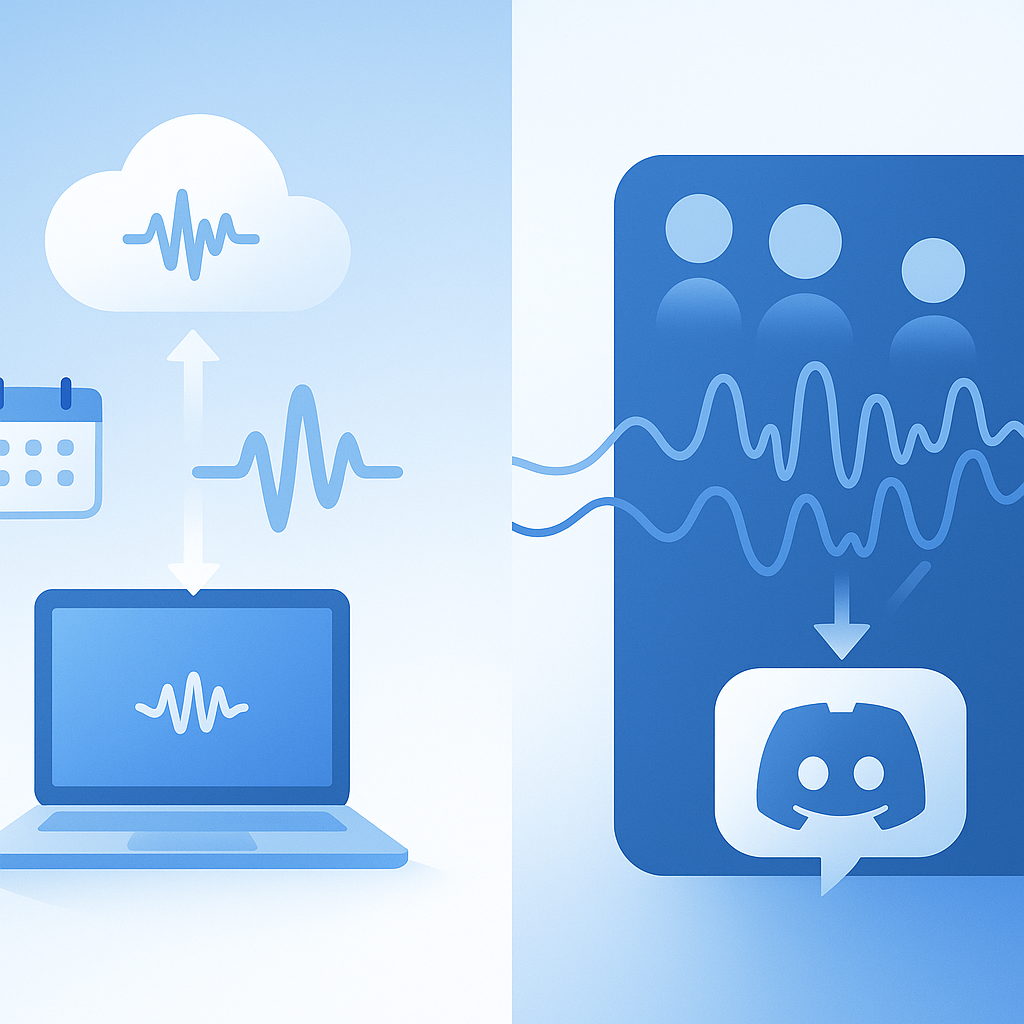
Discord voice channels operate differently than scheduled video meetings. Audio streams arrive from multiple participants simultaneously, often with overlapping speech and background noise.
A dedicated Discord transcription bot must:
Connect directly to voice channels. The bot joins the channel, listens to each participant's audio feed, and processes streams in parallel (GitHub).
Handle multi-speaker separation. Collaboration tool adoption jumped 44% during the pandemic, according to Gartner. With more voices in a single room, speaker identification becomes essential.
Support keyboard-free interaction. As Gartner analyst Matthew Cain observed, "The effects of speech recognition can be seen on a daily basis. Consumers and workers increasingly interact with applications without touching a keyboard" (Gartner).
Generic meeting tools struggle here because they expect a host, a scheduled start time, and a calendar link. Discord channels have none of those.
How does Harmony solve Discord-first note-taking challenges?
Harmony was engineered around voice and video APIs, not retrofitted from a calendar integration. Its real-time voice and video framework plugs directly into Discord, capturing every speaker without requiring manual meeting invites.
Key advantages include:
Instant delivery. Transcripts and MP3 recordings arrive straight in Discord, so your team never leaves the platform (NotesBot).
Automated follow-ups. The platform manages calendar events, creates meeting prep documents, and executes post-meeting actions automatically.
Private-cloud deployment. Data stays inside your own infrastructure, eliminating cross-tenant risk.
Because the platform treats Discord as a first-class citizen, setup takes seconds instead of the multi-step calendar dance Otter requires.
Step-by-step: Move your workspace from Otter to Harmony in under 10 minutes
Follow these steps to complete your migration quickly.
Invite the Harmony bot. Type
/joinin your Discord server to have the bot enter your voice channel. The bot begins transcribing immediately (Heda).Connect automation workflows. Zapier makes it easy to integrate Discord with Transcribe, routing transcripts to Notion, Slack, or your CRM.
Configure private-cloud storage. Harmony deploys to your existing infrastructure within a day, ensuring recordings never leave your tenancy.
Verify speaker tagging. After the first recording, review the transcript to confirm speakers are correctly attributed.
Export past Otter transcripts
Before canceling your Otter subscription, preserve historical data. Otter provides tools to export information including transcripts to third-party services. Download each conversation as a text or PDF file and store them in a shared drive.
Import and organize in Harmony
Once exported, upload legacy files to the Harmony dashboard. You can manually tag speakers to help the system learn voices faster. After a few sessions, Harmony will auto-identify returning participants.
Key takeaway: The entire migration, from bot invite to first transcript, typically finishes in under ten minutes.
Is your data safer with Harmony? Security & privacy compared
Otter's 2025 enterprise pivot coincided with a class-action over consent and data training, raising questions about how meeting audio feeds model improvements.
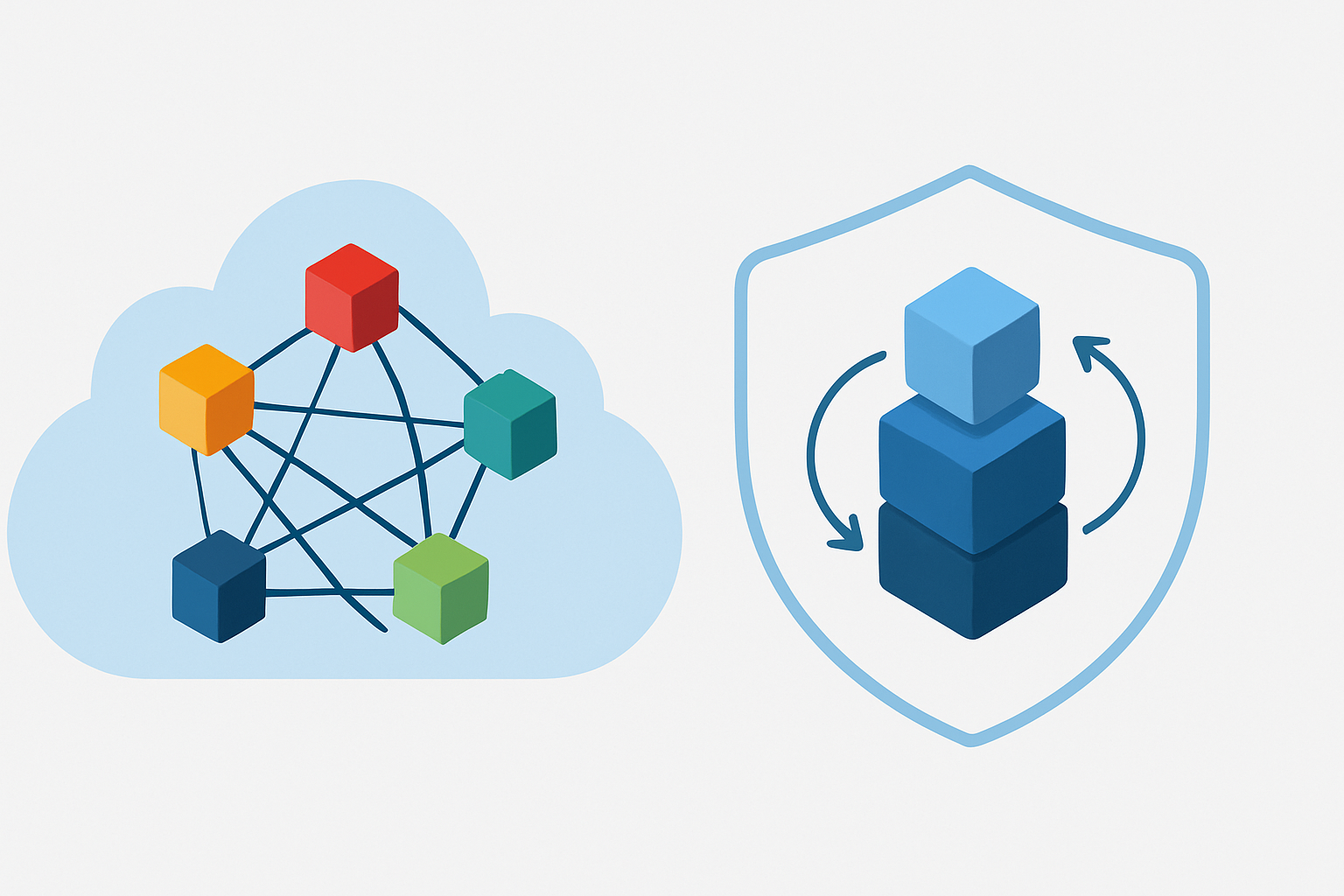
Otter does follow SOC 2 and uses AWS S3 storage with server-side encryption. However, data still resides on shared infrastructure.
Harmony takes the opposite approach. Deployments run inside your private cloud, and the platform ensures that data does not flow out of your tenancy. For communities handling roadmap discussions or user PII, single-tenant architecture removes the risk of cross-customer exposure.
Cost & accuracy: How do Harmony and Otter stack up?
The table below compares pricing, accuracy, and language support.
| Factor | Otter.ai | Harmony |
|---|---|---|
| Accuracy (independent test) | 82.1% | Uses Whisper-class models (96.8% in clean conditions) |
| Pricing | $16.99-$30/user/month with minute caps (Otter) | $10/seat with 600 min included; Team plan offers unlimited transcription |
| Language support | English only | 57+ languages |
| WER benchmark standard | Higher error rates in noisy conditions | Lower WER scores in multi-speaker Discord calls |
WER scores serve as the common metric for evaluating speech-to-text performance. Lower is better.
Otter's free tier caps at 300 minutes per month and 30 minutes per conversation, forcing heavy users onto paid plans quickly. Harmony's Pro tier starts at $10 per seat with six times the minutes, and the Team plan removes caps entirely.
Making the switch to Harmony
Migrating from Otter to Harmony comes down to three wins:
Reliability. No more Chrome extension breakages or surprise outages mid-call.
Discord-native workflow. The bot joins your voice channel with a single command and delivers transcripts directly to Discord.
Data control. Private-cloud deployment keeps sensitive conversations inside your infrastructure.
Harmony follows up on time and keeps everything on track. If your team has outgrown Otter's minute limits or lost trust after repeated integration issues, Harmony offers a faster, more secure path forward.
Ready to start? Invite the bot, type /record, and experience Discord transcription the way it should work.
Frequently Asked Questions
Why should teams migrate from Otter to Harmony?
Teams should consider migrating from Otter to Harmony due to Otter's integration issues with Discord, such as lower accuracy and frequent outages. Harmony offers a Discord-native solution with better reliability and features tailored for voice channels.
What are the common issues with Otter's integration?
Otter's integration issues include repeated outages, Chrome extension breakages, and persistent calendar hooks that disrupt workflows. These problems can lead to missed notes and unreliable service, especially for teams relying on Discord voice channels.
How does Harmony improve note-taking on Discord?
Harmony is designed specifically for Discord, offering real-time voice and video integration, multi-speaker separation, and automated follow-ups. It provides instant delivery of transcripts and recordings directly within Discord, enhancing workflow efficiency.
What are the steps to migrate from Otter to Harmony?
To migrate from Otter to Harmony, invite the Harmony bot to your Discord server, connect automation workflows, configure private-cloud storage, and verify speaker tagging. This process can be completed in under 10 minutes.
How does Harmony ensure data security compared to Otter?
Harmony ensures data security by deploying within your private cloud, preventing cross-tenant risks. Unlike Otter, which uses shared infrastructure, Harmony's single-tenant architecture keeps sensitive data within your control.
Sources
- https://status.otter.ai/incidents/01K9YZMP8DHG3K2N46CD55H5XK
- https://notesbot.io/
- https://getharmony.ai/
- https://diyai.io/ai-tools/speech-to-text/best-ai-speech-to-text-tools/
- https://www.trustpilot.com/review/otter.ai
- https://statuspage.incident.io/otter-ai/incidents/01K9AKHFXJK74ERJXGN9NQ82NA
- https://status.otter.ai/incidents/01J9MAGFGC2NBYEE7DBVRTGFFW
- https://github.com/dtinth/discord-transcriber
- https://www.gartner.com/en/newsroom/press-releases/2021-08-23-gartner-survey-finds-collaboration-tool-use-increased
- https://www.gartner.com/en/newsroom/press-releases/2018-08-20-gartner-identifies-6-technologies-on-the-verge-of-mainstream-adoption-in-the-digital-workplace
- https://ai-harmony.io/ai
- https://hedabot.com/
- https://zapier.com/apps/discord/integrations/transcribecom
- https://otter.ai/terms-of-service
- https://help.otter.ai/hc/en-us/articles/21665587209367-Speaker-Identification-Overview
- https://www.techbuzz.ai/articles/otter-ai-pivots-beyond-meeting-notes-with-enterprise-suite
- https://otter.ai/privacy-security#:~:text=Otter%20uses%20a%20proprietary%20method,manually%20reviewed%20by%20a%20human.
- https://axis-intelligence.com/best-ai-transcription-services-2025/
- https://otter.ai/pricing
- https://www.speechrec.com/compare