
Multilingual AI meeting notes for Discord: 57+ languages supported
Discover Harmony's AI meeting notes for Discord, supporting 57 languages to enhance global collaboration and communication.

Multilingual AI Meeting Notes for Discord: 57+ Languages Supported
Discord communities using multiple languages face a critical documentation gap—popular AI notetakers either don't integrate with Discord or restrict teams to single-language transcription. Harmony solves this with a Discord-native bot supporting 57 languages, enabling teams to capture decisions from global voice channels while achieving 95%+ accuracy through advanced speech recognition models.
TLDR
- Most AI meeting assistants offer limited Discord integration, with Otter.ai supporting only 3 languages and competitors requiring platform switching
- Harmony provides native Discord commands (/join, /leave, /transcribe) with 57-language support for seamless multilingual transcription
- Modern speech recognition achieves over 95% accuracy with speaker diarization, making automated notes reliable for professional use
- Voice activity detection filters background noise while multi-channel recording attributes speech to individual participants
- International Discord servers require translated rules, multilingual moderators, and clear consent flows for recording compliance
Remote-first Discord teams need multilingual AI meeting notes to remove language barriers and capture every decision. With Harmony, global voices are transcribed and summarized in 57 languages, letting distributed communities focus on collaboration instead of documentation.
Why Do Multilingual AI Meeting Notes Matter on Discord?
The average knowledge worker spends 21.5 hours per week in meetings. When those meetings happen across time zones and languages, critical decisions slip through the cracks. AI meeting assistants are tools that help automate the process of scheduling, conducting, and following up on meetings, including transcription, reminders, and productivity insights.
For Discord communities, the stakes are even higher. Making a server internationally available is a big step for a community, and without proper transcription, non-native speakers miss action items, context gets lost in translation, and inclusion suffers. Teams that rely on Discord for standups, planning sessions, and community calls need a solution that captures every voice, regardless of the language spoken.
Key takeaway: Multilingual transcription is not a luxury feature; it is the difference between inclusive collaboration and fragmented communication.
How Much Language Coverage Do Popular AI Notetakers Really Offer?
Language support varies wildly across the AI meeting notes landscape. Here is how the major players stack up:
| Tool | Languages Supported |
|------|--------------------||
| Otter.ai | 3 languages only |
| Zoom AI Companion | 46 languages |
| Fireflies.ai | 100+ languages |
| Harmony | 57 languages |
Otter.ai, despite its established presence in the transcription market, remains limited to English with some support for Spanish and French. This creates a significant gap for teams operating in multilingual environments.
Zoom AI Companion automatically detects and translates spoken language in real time with captions in 46 languages, allowing participants to follow along in their preferred language. However, Zoom requires teams to leave Discord entirely.
Fireflies.ai leads with broad language coverage, but it cannot detect multiple languages in a single meeting. Users must choose one language beforehand, limiting flexibility for truly multilingual calls.
Key takeaway: Most popular tools either lack Discord integration entirely or force teams to pick a single language before each meeting.
Harmony's 57-Language Discord Bot: Built for Global Teams
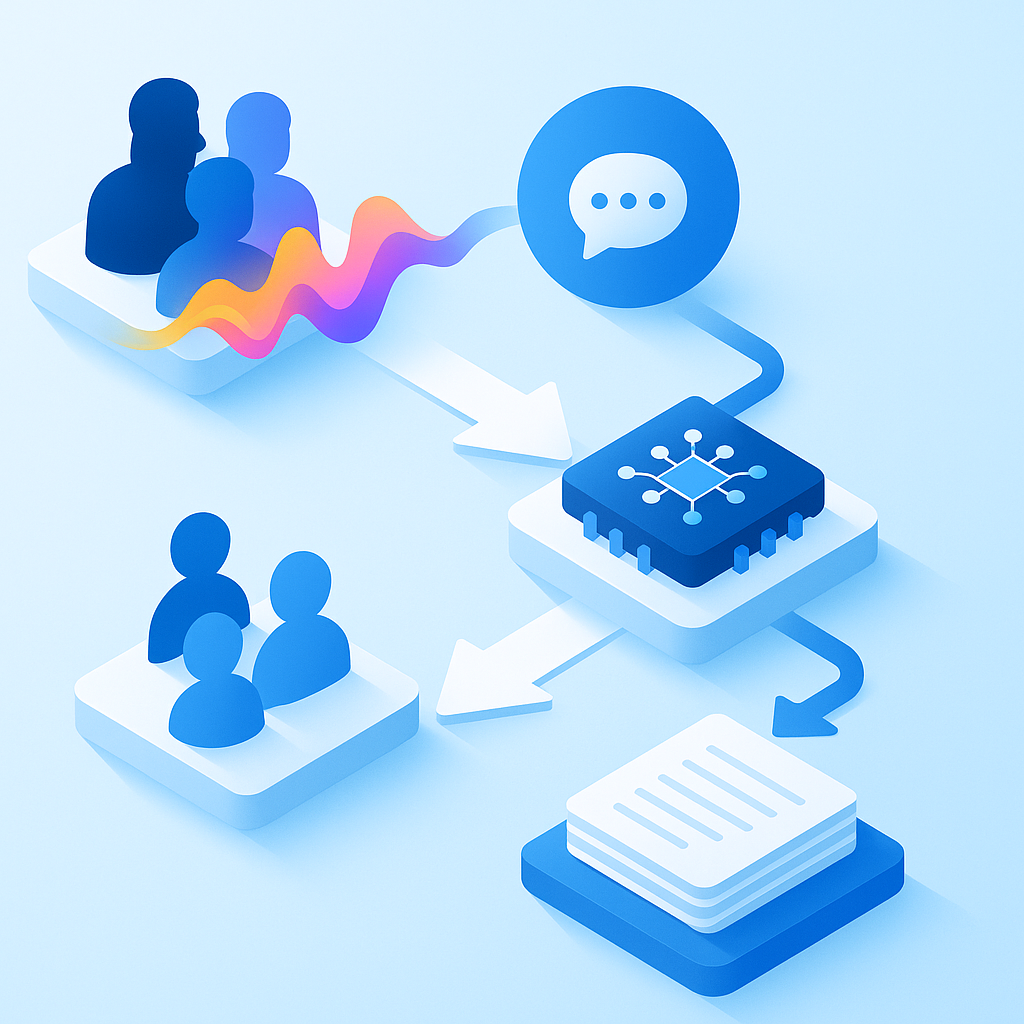
Harmony is built specifically for Discord voice channels, using commands like /join and /stop that feel native to the platform. The bot joins voice channels, records each speaker on separate channels, and transcribes audio using advanced speech-to-text APIs.
Key capabilities include:
- Simple command structure: The bot has commands like /join, /leave, /transcribe, and /stop_transcribing for straightforward control
- Voice activity detection: Uses Silero VAD to filter out noise and background sounds, ensuring only actual speech is transcribed
- Speaker analytics: Multi-channel recording attributes speech to individual participants
- Fast onboarding: Start in two minutes by inviting the bot and issuing basic commands
"Working in startups and small teams on Discord, I often found myself in the situation where I had to take notes during a meeting. This is possible on Google Meet and other services using otter.ai, fireflies.ai and other services. But there's nothing for Discord." - GitHub, discord-voice-transcript-for-teams
This gap is exactly what Harmony fills. Unlike tools that require teams to switch platforms, Harmony works where your community already lives.
How Accurate Are Modern Multilingual Speech Models?
Leading speech recognition systems achieve up to 95%+ accuracy in optimal conditions. For multilingual applications, accuracy depends on the underlying model architecture and training data.
Google's Chirp 3 model provides enhanced accuracy and speed, along with diarization and automatic language detection. It supports automatic punctuation, capitalization, utterance-level timestamps, and speaker diarization, all of which are critical for meeting transcription.
The SpeakerLM model demonstrates strong data scaling capability and generalizability, outperforming state-of-the-art cascaded baselines on both in-domain and out-of-domain public benchmarks. This matters because meeting audio often includes overlapping speech, background noise, and accented speakers.
For Discord specifically, speaker diarization is essential. The Speaker Diarization and Recognition task aims to predict "who spoke when and what" within an audio clip, which is crucial for meeting transcription and dialogue systems.
Key takeaway: Modern ASR models achieve over 95% accuracy with proper speaker identification, making automated meeting notes reliable enough for professional use.
How Can Discord Leaders Run Inclusive Multilingual Meetings?
Internationalizing a Discord server requires careful planning. Here are actionable steps for community leaders:
Translate key information: Translate important parts like the rules and server information in every language you feature alongside your main language
Recruit multilingual moderators: Recruit moderators proficient in each supported language to handle cultural nuances and context
Use translation tools: Immersive Reader, designed for people who have dyslexia and dysgraphia, helps make text more accessible and includes in-line translation for people who prefer to communicate in a different language
Establish consent flows: Ensure all participants know when recording is active and how transcripts will be used
Create language-specific channels: Organize voice channels by language or region to reduce confusion during mixed-language calls
Benefits of internationalization include increased reach, community growth, and diverse perspectives. Challenges include communication barriers, cultural misunderstandings, and complex moderation.
Data Privacy & Compliance When Recording Multilingual Audio
Recording meeting audio introduces data protection obligations. Here are the key compliance considerations:
Documentation requirements: Controllers and processors both have documentation obligations under UK GDPR
Breach notification: If there is a data breach and personal data is exposed, you are required to notify the supervisory authority within 72 hours
DPIA considerations: Google adheres to the EU GDPR Cloud Code of Conduct with respect to Cloud Services
Data minimization: Only collect the audio and transcripts necessary for your stated purpose
Retention policies: Establish clear timelines for how long recordings and transcripts are stored
For organizations with 250 or more employees, all processing activities must be documented. Smaller organizations have limited documentation requirements, focusing on non-occasional processing or activities involving special categories of data.
Take Notes in Any Language—Without Leaving Discord
AI notetakers promise to solve the productivity crisis by automatically transcribing meetings, identifying speakers, and extracting key insights. For Discord communities, Harmony delivers on this promise with 57-language support, Discord-native commands, and speaker analytics that make meetings searchable and actionable.
The bot supports commands like /join, /leave, /transcribe, and /stop_transcribing, making it simple to control directly from your server. Voice activity detection filters out noise, ensuring clean transcripts even in busy voice channels.
For global teams and multilingual communities that call Discord home, Harmony provides the meeting intelligence that other platforms cannot, without forcing anyone to leave the server. Visit Harmony to invite the bot and start capturing every decision in any language.
Frequently Asked Questions
What is Harmony's AI meeting notes feature for Discord?
Harmony's AI meeting notes feature for Discord is a bot that joins voice channels to record, transcribe, and summarize meetings in 57 languages, enhancing global collaboration.
How does Harmony compare to other AI notetakers in terms of language support?
Harmony supports 57 languages, offering more flexibility than Otter.ai's 3 languages and Zoom AI Companion's 46, but less than Fireflies.ai's 100+ languages.
Why is multilingual transcription important for Discord communities?
Multilingual transcription ensures that all participants, regardless of their native language, can understand and contribute to meetings, promoting inclusive collaboration.
What are the key features of Harmony's Discord bot?
Harmony's Discord bot features simple command structures, voice activity detection, speaker analytics, and fast onboarding, making it easy to use and effective for multilingual meetings.
How does Harmony ensure data privacy and compliance when recording audio?
Harmony adheres to data protection obligations, including documentation, breach notification, DPIA considerations, data minimization, and retention policies, ensuring compliance with regulations.
Sources
- https://www.assemblyai.com/blog/top-ai-notetakers
- https://aloa.co/ai/comparisons/ai-note-taker-comparison/best-ai-meeting-transcription-tools
- https://learn.g2.com/best-ai-meeting-assistants?hsLang=en
- https://discord.com/safety/internationalization-of-a-community
- https://www.zoom.com/en/products/ai-assistant/features/accessibility/
- https://guide.fireflies.ai/articles/2973706448-learn-about-fireflies-supported-languages
- https://github.com/grobocop12/discord_transcribing_bot
- https://github.com/dtinth/discord-transcriber
- https://github.com/Dhravya/discord-voice-transcript-for-teams
- https://docs.cloud.google.com/speech-to-text/docs/models/chirp-3
- https://www.arxiv.org/pdf/2508.06372
- https://english.discord-media.com/news/internationalization.html
- https://learn.microsoft.com/en-us/microsoftteams/accessibility-guide-admin
- https://ico.org.uk/for-organisations/uk-gdpr-guidance-and-resources/accountability-and-governance/guide-to-accountability-and-governance/documentation
- https://gdpr.eu/checklist/
- https://cloud.google.com/privacy/data-protection-impact-assessment