
Simple AI notetaker for Discord standups: 2-minute setup workflow
Discover how Harmony's AI notetaker for Discord standups captures and transcribes meetings in just 2 minutes, boosting productivity.
Simple AI notetaker for Discord standups: 2-minute setup workflow
Discord standups typically capture less than 30% of discussed details when relying on manual notes, with 47% of digital workers struggling to find critical information afterward. An AI notetaker solves this by auto-joining voice channels, transcribing conversations with 95-98% accuracy on clean audio, and extracting action items automatically—all configured in under two minutes.
At a Glance
- Setup takes less than 2 minutes: invite bot, grant voice/text permissions, use
/joincommand - Modern AI achieves 95-98% accuracy on clean audio, though Discord's real-world conditions may reduce this to 80%
- Automatic extraction of action items and summaries cuts documentation time by up to 80%
- Speaker identification and multilingual support (57-100+ languages depending on bot)
- Transcripts remain searchable in Discord, eliminating information retrieval failures
- Pricing ranges from $3-40/month based on recording hours or per-user models
Remote teams lose crucial sprint details when Discord standups vanish into thin air. An AI notetaker for Discord solves that in minutes by auto-joining the call, transcribing speech, and posting concise action items—no extra tools or credit cards.
Why do Discord standups need an AI notetaker now?
Discord has become the communication hub for distributed engineering teams, gaming communities, and remote startups. But voice channels share a fundamental problem: conversations disappear the moment they end.
The average knowledge worker spends 21.5 hours per week in meetings, yet most of those conversations result in scattered notes, missed action items, and forgotten decisions. Discord standups are no exception. Without a record, critical blockers slip through the cracks, and teammates who miss the call never catch up.
AI notetakers address this by automatically transcribing meetings, identifying speakers, and extracting key insights. As Notion explains, AI note-taking uses software to listen and transcribe meetings in real time, freeing participants to focus on the discussion rather than scribbling notes.
For teams running daily standups on Discord, the value is immediate: every update, every blocker, every decision is captured and searchable.
How much productivity is lost with manual standup notes?
Manual note-taking during standups creates hidden costs that compound over time.
| Problem | Impact |
|---|---|
| Low-value administrative work | Desk workers spend a third of their day on low-value tasks |
| Information retrieval failures | 47% of digital workers struggle to find critical information; 32% have made wrong decisions due to missing knowledge |
| Inefficient meeting time | 35% of CEOs felt decision-making meetings were inefficient; 40% felt the same about informational sessions |
When someone volunteers to take notes, they split their attention between listening and typing. Details get lost. When nobody takes notes, the entire standup becomes a memory exercise.
Key takeaway: Teams that rely on manual note-taking lose both the note-taker's engagement and the accuracy of the record.
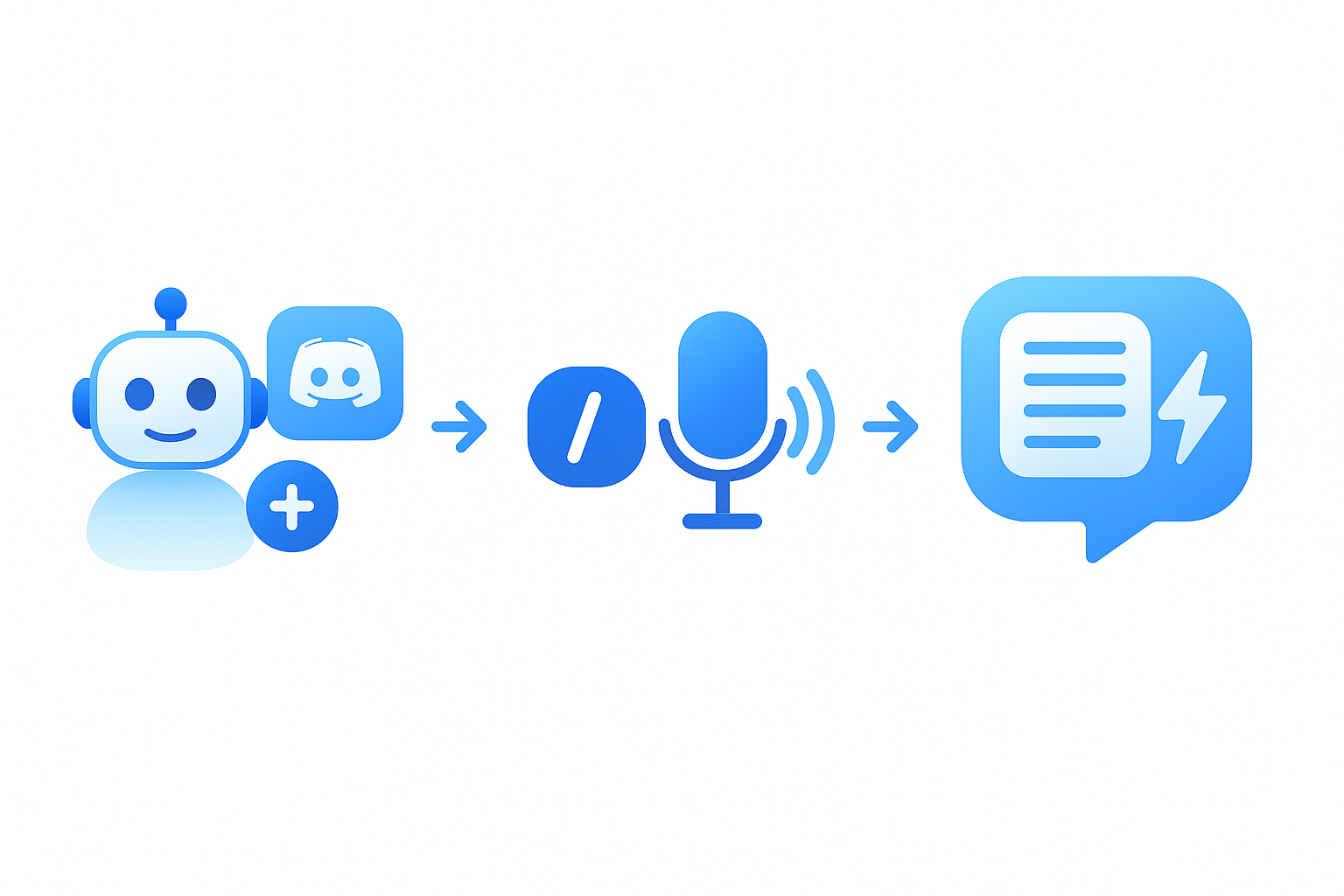
Step-by-step: 2-minute setup workflow
Getting an AI notetaker running on your Discord server requires no technical expertise. Here is how to do it in under two minutes.
Invite the bot
- Visit your chosen bot's website (such as Harmony, NotesBot, or Heda)
- Click the invite link and select your Discord server
- Grant the bot Voice and Text permissions
Setup takes less than a minute with no configuration required. Most Discord AI notetakers use OAuth2, so you authenticate with Discord directly and approve the permissions in a single step.
Use /join and /stop commands
Once the bot is in your server, controlling it is straightforward:
/join— The bot enters your voice channel and transcribes live/stopor/leave— The bot exits and generates an AI summary
Some bots offer additional commands like /config to adjust language settings or /ignore @user to exclude specific participants from recording.
Access transcripts & summaries in Discord
After you stop the recording, the bot posts results directly to a text channel. Depending on the bot, you receive:
- Complete transcript with speaker labels
- AI-generated summary highlighting key points
- Extracted action items and decisions
- MP3 recording (optional)
Transcripts remain searchable in Discord, so anyone who missed the standup can catch up without requesting a separate debrief.
How can you boost transcription accuracy & speaker ID on Discord?
Discord voice channels present unique challenges for speech recognition. Background noise from mechanical keyboards, multiple speakers talking over each other, and varying microphone quality all affect results.
"AI transcription tools often advertise '95-98% accuracy.' But what happens when your recordings include background noise, strong accents, technical vocabulary, or multiple people talking at once?" — GoTranscript
Here is what the data shows:
| Condition | Typical Accuracy Impact |
|---|---|
| Clean, studio-quality audio | 95-98% accuracy |
| Real-world audio (noise, accents, overlap) | Often drops below 80% |
| Background noise benchmark | WER improved from 45% to 12% between 2019 and 2025 |
| Multiple overlapping speakers | WER improved from 65% to 25% over the same period |
To maximize accuracy on Discord:
- Use push-to-talk or noise suppression in Discord settings
- Encourage one speaker at a time during standups
- Choose a bot that supports speaker diarization (attributing text to specific participants)
Modern transformer-based models like Whisper are robust to background noise compared to older systems. Bots built on these models handle typical Discord audio quality well, though professional-grade accuracy still benefits from clear audio input.
Can AI turn standup transcripts into actionable tasks automatically?
Yes. Modern AI notetakers go beyond transcription to extract structured information.
Automating the extraction of action items saves time and guarantees that no critical tasks are overlooked. The AI parses the transcript, identifies verbs and owners, and outputs tasks with assignees and priorities.
Here is how the automation typically works:
- Transcription — The bot converts speech to text in real time
- Summarization — An LLM condenses the transcript into key points
- Task extraction — The model identifies action items, owners, and deadlines
- Delivery — Results are posted to Discord or pushed to external tools
SaaS tools like Bardeen demonstrate this pipeline: meeting notes are processed by OpenAI to produce summaries and action items, then sent directly to Slack. Discord bots like Harmony follow the same pattern, delivering a digest at the end of every standup without manual parsing.
Key takeaway: AI-powered task extraction turns every standup into a documented commitment, not just a conversation.
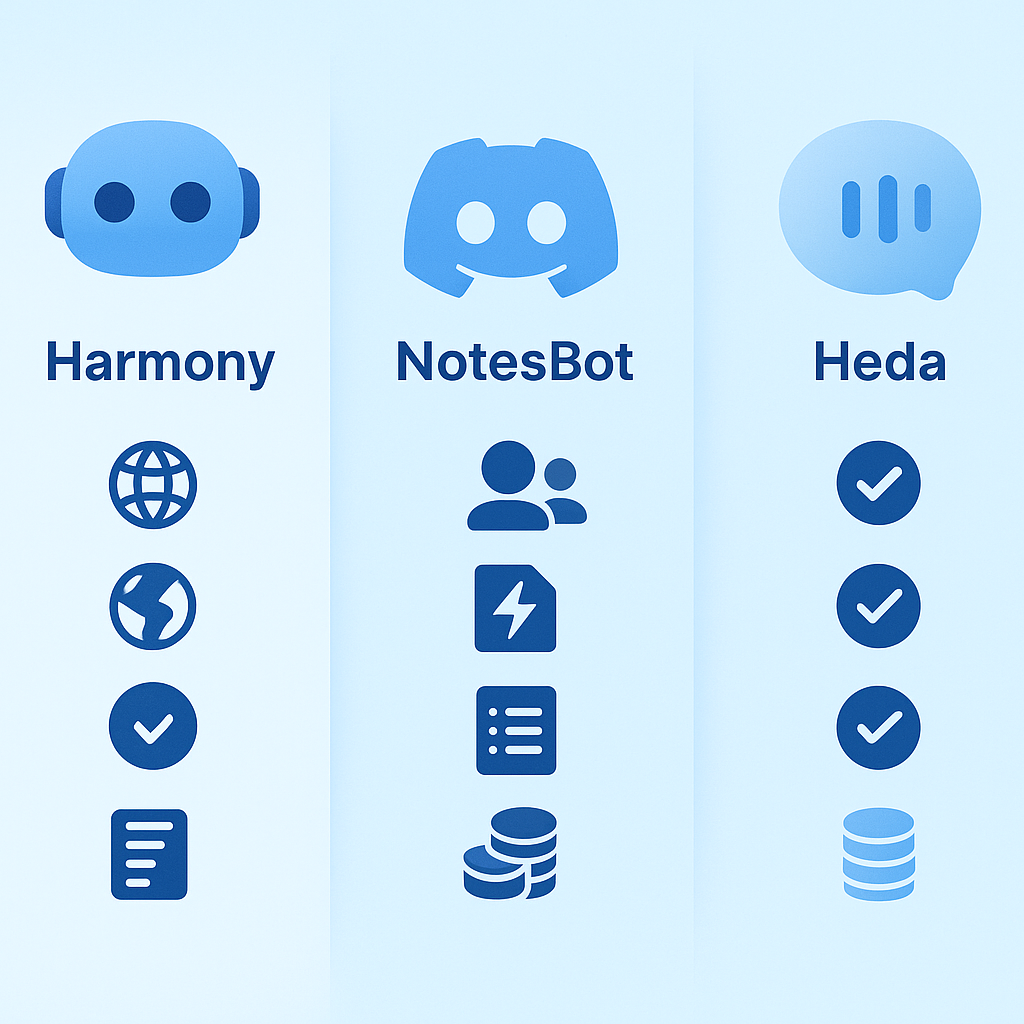
Harmony vs. other Discord AI bots: where do the differences matter?
Several bots compete in the Discord notetaker space. Here is how they compare:
| Feature | Harmony | NotesBot | Heda |
|---|---|---|---|
| Languages supported | 57+ | 100+ | Multiple |
| Speaker identification | Yes | Yes | Yes |
| AI summaries | Yes | Yes | Yes |
| Action item extraction | Yes | Yes | Yes |
| Pricing model | Per server | Per recording hours ($3-$40/mo) | Per user ($10-$25/mo) |
| Free trial | Yes | 30 minutes free | Yes |
NotesBot offers flexibility with tiered recording hours, while Heda charges per user. Harmony uses a flat per-server model, making it cost-effective for larger teams.
For comparison, enterprise tools like Otter.ai score 9.1 for ease of use but focus on Zoom and Google Meet rather than Discord. Discord-native bots avoid the friction of integrating tools designed for other platforms.
Businesses report cutting documentation time by up to 80% after adopting AI meeting transcription. For teams already on Discord, a native bot delivers those savings without changing workflows.
Start capturing standups before the next sprint
Discord standups generate valuable information that disappears without a record. An AI notetaker fixes that in under two minutes: invite the bot, grant permissions, and type /join.
Harmony captures every standup with multilingual transcription, speaker analytics, and AI-generated summaries. Action items surface automatically, and the AskHarmony chat lets you query past meetings in natural language.
Stop losing sprint details to ephemeral voice channels. Add Harmony to your Discord server and turn your next standup into a searchable, actionable record.
Frequently Asked Questions
What is the main benefit of using an AI notetaker for Discord standups?
An AI notetaker for Discord standups automatically transcribes meetings, identifies speakers, and extracts key insights, ensuring that all updates, blockers, and decisions are captured and searchable, which enhances productivity and reduces the risk of missing critical information.
How does Harmony's AI notetaker improve meeting efficiency?
Harmony's AI notetaker improves meeting efficiency by automatically joining Discord calls, transcribing speech, and generating concise action items. This allows participants to focus on discussions without worrying about taking notes, and ensures that all important details are documented and accessible.
What are the steps to set up an AI notetaker on Discord?
To set up an AI notetaker on Discord, invite the bot to your server, grant it the necessary permissions, and use simple commands like '/join' to start recording and '/stop' to end the session. The bot will then provide transcripts and summaries directly in your Discord channel.
How does Harmony compare to other Discord AI bots?
Harmony offers a flat per-server pricing model, supports over 57 languages, and provides features like speaker identification, AI summaries, and action item extraction. It is cost-effective for larger teams compared to other bots like NotesBot and Heda, which have different pricing structures.
Can AI notetakers handle background noise and multiple speakers effectively?
AI notetakers, especially those using modern transformer-based models like Whisper, are robust to background noise and can handle multiple speakers. However, for optimal accuracy, it's recommended to use push-to-talk or noise suppression features in Discord and encourage one speaker at a time.
Sources
- https://slack.com/blog/collaboration/productivity-tracking
- https://gotranscript.com/blog/ai-transcription-accuracy-benchmarks-2026
- https://www.softwareadvice.com/ai/ai-transcription-software-comparison/
- https://www.assemblyai.com/blog/top-ai-notetakers
- https://www.notion.com/blog/ai-note-taking
- https://slack.com/blog/productivity/ai-meeting-note-taker-how-it-works-and-features-to-look-for
- https://hedabot.com/
- https://wiki.seasalt.ai/seavoice/discord/discord-bot
- https://notesbot.io/
- https://voicetonotes.ai/blog/state-of-ai-transcription-accuracy/
- https://diyai.io/ai-tools/speech-to-text/can-whisper-still-win-transcription-benchmarks/
- https://python.useinstructor.com/examples/action_items
- https://bardeen.ai/playbooks/generate-summary-and-action-items-from-meeting-notes-using-openai-and-send-slack-message
- https://www.g2.com/compare/dragon-speech-recognition-software-vs-otter-ai